
Pinterest for WooCommerce – Sync Products to Pinterest Automatically
Verified from VirusTotal 100% Original Product and Virus Free. Free New Version Lifetime On Single Purchase. Unlimited Website Usage Price is in US dollars and included tax
Buy confidently with secure digital checkout, account-based downloads, and a cleaner WPPlugShop product experience.
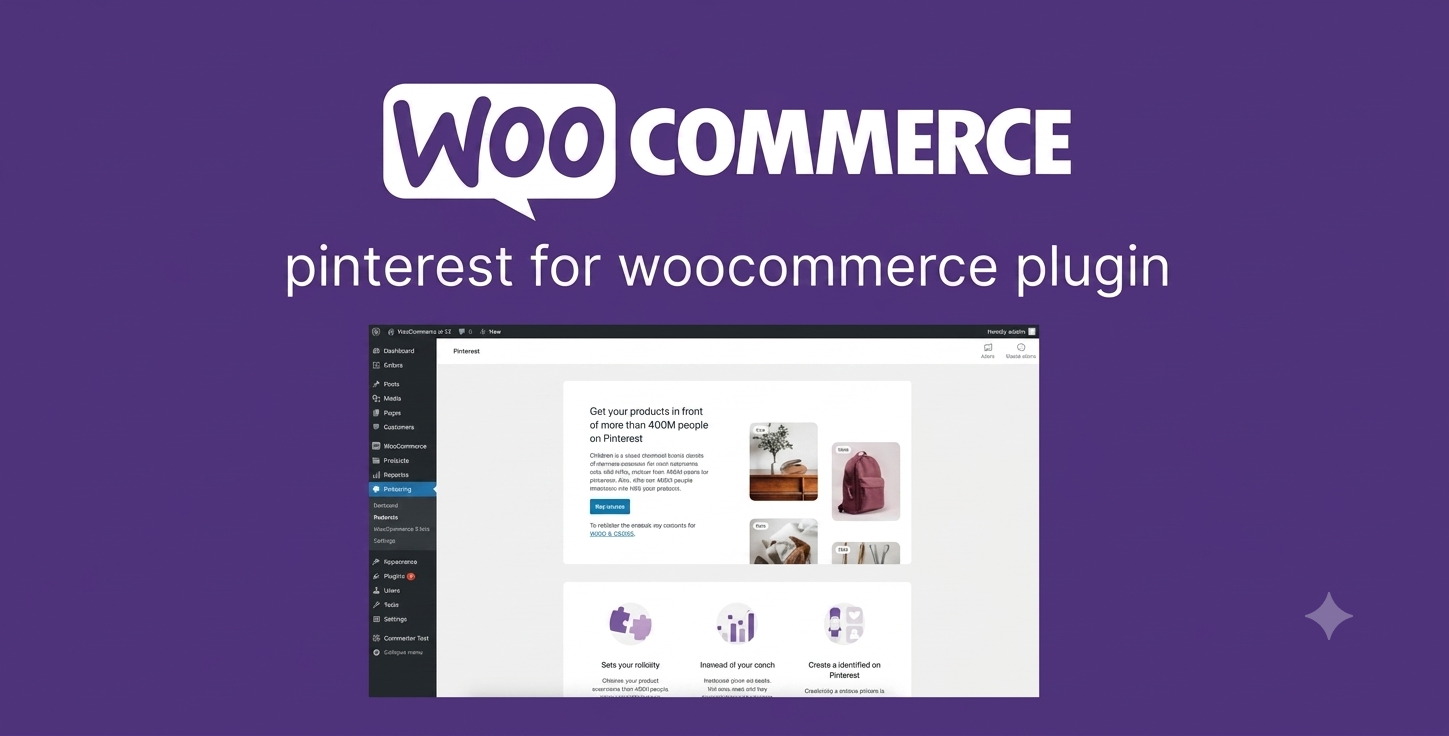
Preview Pinterest for WooCommerce – Sync Products to Pinterest Automatically
View the product artwork, switch gallery images, and open a larger preview before checkout.
Get secure digital access for real WordPress projects
This section summarizes the buying experience and what customers can expect after checkout.
Product overview, benefits, and digital access details
Review the key product details, practical use cases, and digital access information before checkout.
Product Overview
Pinterest for WooCommerce is a powerful social commerce integration plugin that connects your WooCommerce store directly with Pinterest. It automatically syncs your product catalog, creates shoppable product pins, and helps you reach millions of users actively searching for products and inspiration.
This plugin transforms your store into a Pinterest-ready product feed system, enabling automated marketing, better product visibility, and improved conversion tracking without manual pin creation.
Why Choose Pinterest for WooCommerce?
Pinterest is one of the most powerful visual discovery platforms for eCommerce. This plugin eliminates manual work by automatically syncing your WooCommerce products and turning them into optimized Pinterest listings.
- Automatically sync WooCommerce products to Pinterest.
- Generate shoppable product pins (Rich Pins).
- Add “Save to Pinterest” button on product pages.
- Improve product visibility through visual search.
- Track performance with Pinterest Tag integration.
Key Features
- Automatic product catalog sync with Pinterest.
- XML product feed generation for Pinterest shopping.
- Support for Rich Pins (product metadata optimization).
- Pinterest Tag integration for conversion tracking.
- Conversions API support for advanced analytics.
- “Save to Pinterest” button on WooCommerce product pages.
- Scheduled feed updates for real-time product sync.
- Automatic updates when products are edited or added.
- Optimized product data formatting for Pinterest SEO.
- Supports variable and simple WooCommerce products.
Main Benefits
- Increase organic traffic from Pinterest users.
- Boost product visibility in visual search results.
- Automate product marketing workflow.
- Drive high-intent traffic to your WooCommerce store.
- Improve conversion tracking accuracy.
- Expand sales channels without additional ad spend.
Best Use Cases
- Fashion and apparel stores.
- Home decor and interior brands.
- Jewelry and accessories shops.
- Beauty and skincare eCommerce stores.
- Print-on-demand businesses.
- Handmade and craft stores.
- Lifestyle and niche product brands.
- Seasonal product campaigns.
- Influencer-driven product stores.
- Small and medium WooCommerce businesses.
Who Should Use This Plugin?
- WooCommerce store owners.
- Digital marketers and eCommerce managers.
- Social media marketing agencies.
- Dropdigital access business owners.
- Brand owners targeting visual audiences.
- Affiliate marketers using WooCommerce.
WP Plug Shop Benefits
- Instant digital download.
- GPL-friendly WordPress-ready files.
- Easy installation and setup.
- Works in staging, development, and production environments.
- Affordable solution for eCommerce growth.
- No coding required for setup.
Product Details
| Attribute | Details |
|---|---|
| Product Name | Pinterest for WooCommerce |
| Category | WooCommerce Social Commerce Integration |
| Platform | WordPress + WooCommerce |
| Compatible With | Pinterest Business Account |
| Primary Function | Sync WooCommerce products to Pinterest catalog |
| Supports | Product feeds, Rich Pins, Pinterest Tag, Conversions API, Save button integration |
Feature Comparison
| Feature | Without Plugin | With Pinterest for WooCommerce |
|---|---|---|
| Product Sync to Pinterest | No | Yes (Automatic) |
| Shoppable Pins | No | Yes |
| Product Feed Creation | Manual | Automatic XML Feed |
| Conversion Tracking | No | Yes (Pinterest Tag) |
| Save to Pinterest Button | No | Yes |
| Product Updates Sync | Manual | Automatic |
Pros and Considerations
| Pros | Considerations |
|---|---|
| Automates Pinterest marketing for WooCommerce. | Requires Pinterest Business account setup. |
| Increases organic traffic from Pinterest. | Product feed accuracy depends on WooCommerce setup. |
| Improves product visibility and reach. | Best results require consistent product optimization. |
| Supports conversion tracking tools. | Initial sync may take time for large catalogs. |
| No manual pin creation required. | Pinterest policies must be followed for approvals. |
Final Verdict
Pinterest for WooCommerce is an essential growth tool for any WooCommerce store that wants to leverage social commerce. By automating product sync, enabling Rich Pins, and improving tracking, it significantly boosts visibility, traffic, and sales from Pinterest’s massive discovery ecosystem.
Frequently Asked Questions
What is Pinterest for WooCommerce?
It is a WooCommerce integration plugin that syncs your product catalog with Pinterest, allowing your products to appear as shoppable Pins automatically.
Do I need a Pinterest Business account?
Yes. A Pinterest Business account is required to sync your WooCommerce store and use features like product catalogs and analytics tracking.
Does it automatically sync products to Pinterest?
Yes. The plugin automatically generates and updates a product feed so your WooCommerce products stay synced with Pinterest.
Can I track conversions from Pinterest traffic?
Yes. It supports Pinterest Tag integration and Conversions API, allowing you to track user actions like product views, add-to-cart events, and purchases.
What types of products are supported?
It supports both simple and variable WooCommerce products, making it suitable for most eCommerce stores.
Can users save products to Pinterest?
Yes. The plugin adds a “Save to Pinterest” button on product pages to increase engagement and visibility.
How often does the product feed update?
The product feed can be updated automatically or on a scheduled basis, ensuring Pinterest always has the latest product information.
Does it help increase sales?
Yes. By exposing your products to Pinterest users who actively search for buying inspiration, it can significantly increase traffic and conversions.
Is coding required to set it up?
No. The plugin is designed for easy setup and works directly with WooCommerce without requiring any coding knowledge.
Why should I use Pinterest for WooCommerce instead of manual pinning?
Manual pinning is time-consuming and inconsistent. This plugin automates the entire process, ensuring your products are always visible and optimized on Pinterest.
Quick product answers for buyers and AI search
Clear product answers help buyers, search engines, and AI answer engines understand this product faster.
Best ways to use this WordPress digital product
These use cases help buyers quickly decide if this product fits their workflow.
How digital access works
No physical shipping is required. This is a digital product access purchase designed for account-based downloads.
Secure payment options for digital checkout
WPPlugShop supports trusted checkout options so buyers can complete digital purchases with more confidence.
Frequently asked questions
Buyer-focused answers about digital access, secure payments, downloads, support, and product usage.
Related WordPress tools you may also like
Explore related WordPress tools that may support the same workflow, website type, or project goal.




Choose the right WordPress tool with confidence
Request a product, explore membership access, or contact support if you want help choosing the right WordPress digital product before checkout.