
Product Condition for WooCommerce
Verified from VirusTotal 100% Original Product and Virus Free. Free New Version Lifetime On Single Purchase. Unlimited Website Usage Price is in US dollars and included tax
Buy confidently with secure digital checkout, account-based downloads, and a cleaner WPPlugShop product experience.
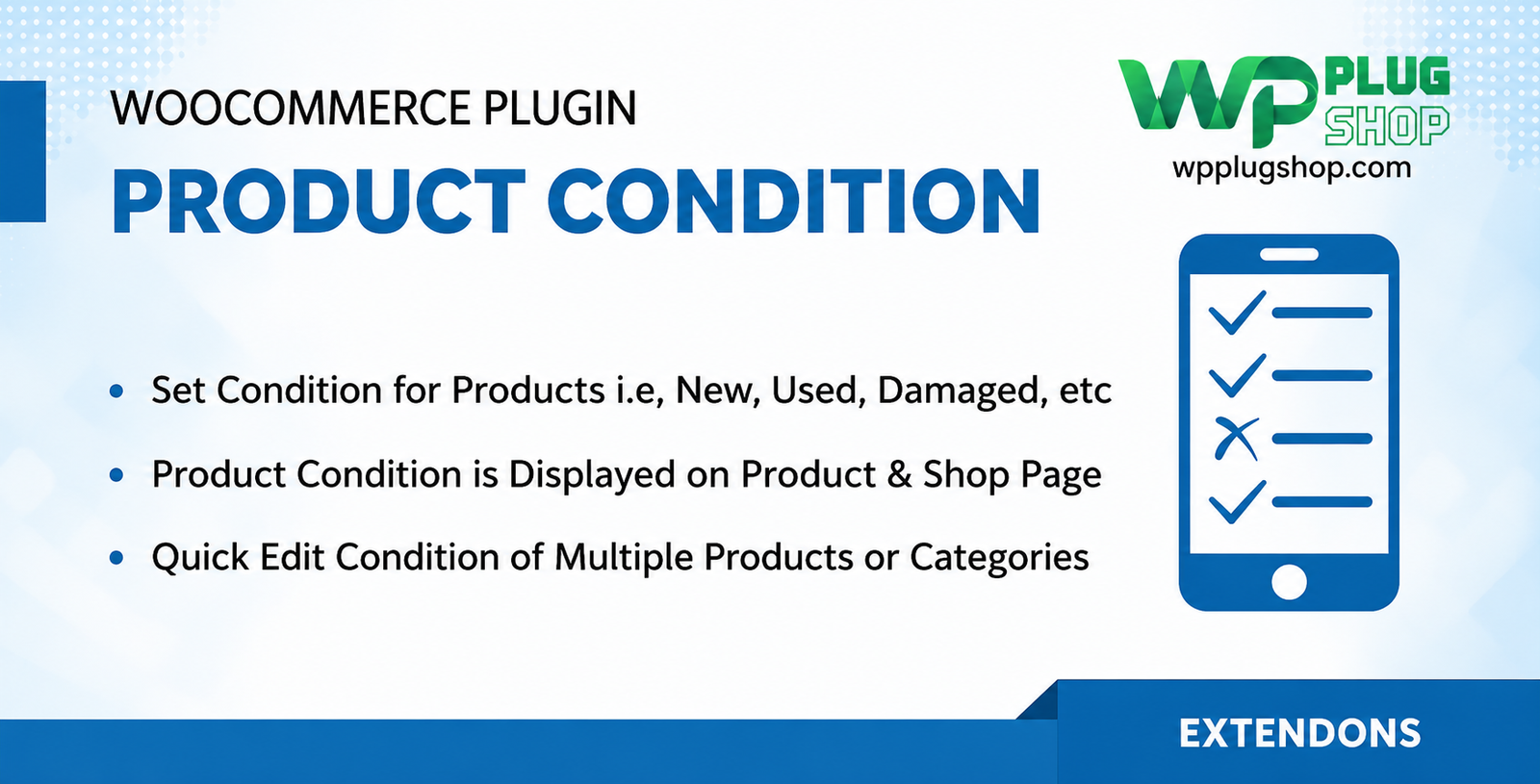
Preview Product Condition for WooCommerce
View the product artwork, switch gallery images, and open a larger preview before checkout.
Get secure digital access for real WordPress projects
This section summarizes the buying experience and what customers can expect after checkout.
Product overview, benefits, and digital access details
Review the key product details, practical use cases, and digital access information before checkout.
Product Overview
Eliminate buyer uncertainty and provide total catalog transparency with the Product Condition for WooCommerce plugin. Designed specifically for e-commerce stores handling mixed inventories, this extension allows you to easily assign, manage, and showcase item conditions—such as New, Used, Refurbished, or Damaged—across your entire store.
Why This Product Is Useful
Default WooCommerce lacks native support for displaying secondary market specifications or structured item states, making it difficult to sell pre-owned, open-box, or certified refurbished goods clearly. The Product Condition for WooCommerce plugin bridges this gap by offering store-wide defaults, granular individual overrides, and automated Google Schema markup to boost visibility in relevant search engine results.
Key Features
- Store-Wide Default Configuration: Set a primary condition (e.g., Brand New) to apply automatically across your entire product catalog.
- Individual Product Overrides: Easily assign unique states to specific items directly from the product data panel.
- Quick & Bulk Editing Support: Update product conditions rapidly using standard WordPress quick-edit fields or multi-product bulk actions.
- Over 20 Predefined Conditions: Choose from comprehensive options spanning New, Used, Certified Pre-Owned, Manufacturer Refurbished, Damaged, and For Parts.
- Automated Schema Integration: Automatically map your items to standard Schema.org structured data types (New, Used, Refurbished, Damaged) for search engine optimization.
- Flexible Frontend Display: Showcase item states clearly on individual product pages and optionally on shop archive directories.
Main Benefits
- Boost Buyer Confidence: Prevent customer disputes and cart abandonment by ensuring absolute clarity regarding item quality before purchase.
- Improve Organic Search Visibility: Help search engines match your inventory with shoppers specifically searching for secondary-market or refurbished items.
- Streamline Inventory Management: Save hours of administrative work with bulk assignment capabilities and intuitive setup workflows.
- GPL-Friendly Access: Secure, scanned digital files ready for your WooCommerce setups under flexible, budget-friendly terms.
Best Use Cases
- Refurbished technology and electronics storefronts.
- Pre-owned clothing, vintage goods, and thrift marketplaces.
- Auto parts stores selling used, retread, or surplus components.
- Mixed catalog e-commerce shops featuring open-box or clearance returns.
Who Should Use This Product?
This extension is ideal for online store owners managing secondary-market goods, electronics recyclers, marketplace administrators, and WooCommerce developers building custom inventory portals.
WP Plug Shop Access Benefits
When you acquire your digital resources through WP Plug Shop, you gain immediate, secure access to clean, scanned files. Enjoy budget-conscious digital downloads backed by secure checkout, making professional e-commerce management accessible for every project.
Product Details
| Feature Category | Specification Details |
|---|---|
| Product Type | Premium WooCommerce Product Condition & Schema Manager |
| Condition Library | 20+ Predefined Options + Custom Condition Support |
| SEO Integration | Automated Schema.org Structured Data Mapping |
| Compatibility | WooCommerce Core, WordPress Quick/Bulk Edit Tools |
| Access Type | Secure Digital Download (GPL-Friendly) |
Feature Comparison
| Capabilities | Default WooCommerce Setup | Product Condition Plugin (WP Plug Shop) |
|---|---|---|
| Condition Management | None (Requires Manual Description Text Hacks) | Automated Dropdowns with 20+ Predefined States |
| Structured Data / Schema | Generic Product Schema Only | Precise Condition-Mapping Schema for Search Engines |
| Catalog Administration | Individual Manual Edits Only | Supports Quick-Edit Dropdowns & Multi-Product Bulk Actions |
| Frontend Display | No Dedicated Badge or Label Placement | Customizable Placement on Shop Archives & Product Pages |
Pros and Considerations
| Advantages (Pros) | Points to Consider |
|---|---|
| Adds critical item-state clarity instantly to existing product catalogs. | Requires base product inventory already established in WooCommerce. |
| Enhances Google search rankings for targeted second-hand queries. | Requires a self-hosted WordPress environment. |
| Cost-effective digital access through WP Plug Shop. | Third-party developer updates depend on your selected access plan. |
Final Verdict
If you sell pre-owned, refurbished, or mixed-condition inventory and want to display item states clearly while optimizing your store for search engines, the Product Condition for WooCommerce plugin is an indispensable addition. Combining bulk management tools, extensive condition types, and automated schema mapping, it streamlines your entire operation. Download securely from WP Plug Shop today.
Frequently Asked Questions
What is Product Condition for WooCommerce?
Product Condition for WooCommerce is an advanced e-commerce extension that enables store owners to assign, manage, and display item conditions—such as New, Used, Refurbished, or Damaged—across their product catalog.
Does the plugin support Google Schema markup?
Yes, it automatically generates and maps standard Schema.org structured data for product conditions, helping search engines index your items accurately.
Can I set a default condition for all products?
Absolutely. You can define a store-wide default condition (such as Brand New) that applies automatically to your entire inventory, while retaining the ability to override individual items.
Does it support bulk editing product conditions?
Yes, the plugin integrates seamlessly with WordPress quick-edit and multi-product bulk actions, allowing you to update item states across large inventories rapidly.
Is this digital product safe and GPL-friendly?
Yes, all digital resources provided through WP Plug Shop are secure, scanned files ready for your WooCommerce setups under flexible, budget-friendly access terms.
Can I display product conditions on shop archive pages?
Yes, you can configure the plugin to showcase item condition badges or labels on both individual product pages and shop catalog archives.
How do I download my plugin files after purchase?
Following a secure checkout on WP Plug Shop, your download files become immediately accessible inside your account dashboard for rapid installation.
Are there predefined conditions included?
Yes, the plugin comes with over 20 predefined options spanning New, Used, Certified Pre-Owned, Manufacturer Refurbished, Damaged, and For Parts, alongside support for custom conditions.
Quick product answers for buyers and AI search
Clear product answers help buyers, search engines, and AI answer engines understand this product faster.
Best ways to use this WordPress digital product
These use cases help buyers quickly decide if this product fits their workflow.
How digital access works
No physical shipping is required. This is a digital product access purchase designed for account-based downloads.
Secure payment options for digital checkout
WPPlugShop supports trusted checkout options so buyers can complete digital purchases with more confidence.
Frequently asked questions
Buyer-focused answers about digital access, secure payments, downloads, support, and product usage.
Related WordPress tools you may also like
Explore related WordPress tools that may support the same workflow, website type, or project goal.




Choose the right WordPress tool with confidence
Request a product, explore membership access, or contact support if you want help choosing the right WordPress digital product before checkout.