
Toolset Forms – User-Generated Content & Front-End WordPress Forms
Verified from VirusTotal 100% Original Product and Virus Free. Free New Version Lifetime On Single Purchase. Unlimited Website Usage Price is in US dollars and included tax
Buy confidently with secure digital checkout, account-based downloads, and a cleaner WPPlugShop product experience.
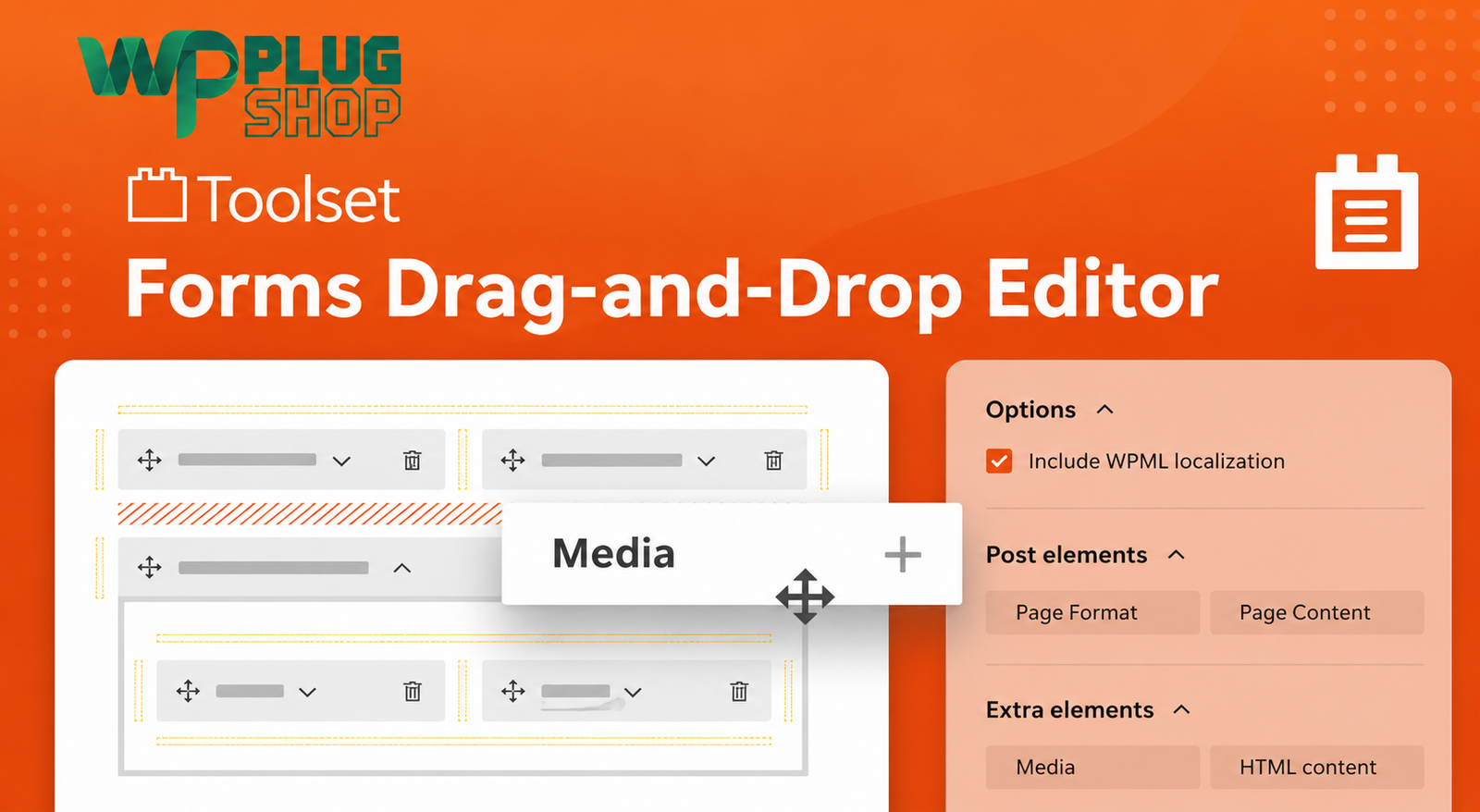
Preview Toolset Forms – User-Generated Content & Front-End WordPress Forms
View the product artwork, switch gallery images, and open a larger preview before checkout.
Get secure digital access for real WordPress projects
This section summarizes the buying experience and what customers can expect after checkout.
Product overview, benefits, and digital access details
Review the key product details, practical use cases, and digital access information before checkout.
Frequently Asked Questions
What is Toolset Forms – User Generated Content?
Toolset Forms is a WordPress solution for creating front-end forms that allow users to create, edit, and delete WordPress content without needing to work directly in the WordPress administration area. It is designed for websites that require structured user-generated content and front-end content management.
Can Toolset Forms create WordPress posts from the front end?
Yes. Toolset Forms allows users to submit new WordPress content through front-end forms. The form can be configured for the relevant post type and displayed on WordPress pages, posts, or templates using the Toolset Form block.
Can users edit their own WordPress listings with Toolset Forms?
Yes. Toolset Forms supports front-end editing of existing content. This makes it useful for directories, classified websites, listing platforms, and other websites where users need to update content they previously submitted.
Can Toolset Forms delete WordPress content from the front end?
Yes. Toolset Forms supports front-end content deletion in addition to creating and editing content. Access permissions can be configured to control which users or roles can perform these actions.
Can Toolset Forms work with custom post types?
Yes. Toolset Forms can be used to create and edit WordPress content types from the front end. This makes it suitable for structured websites using custom post types such as directory listings, classified ads, properties, jobs, or other specialized content.
Can Toolset Forms use WordPress custom fields?
Yes. Toolset Forms can automatically include fields associated with the content being edited, including custom fields. This allows front-end forms to collect structured information rather than relying only on basic title and content fields.
Can Toolset Forms work with taxonomies and relationships?
Yes. Toolset documents support for taxonomies and post relationships in front-end forms. This allows forms to work with structured WordPress content models that contain categories, tags, and relationships between different content types.
Can Toolset Forms be used for user-generated content websites?
Yes. User-generated content is one of the primary use cases for Toolset Forms. It can be used to build front-end submission and editing workflows for directories, classifieds, listings, memberships, and other WordPress websites where users need to contribute content.
Can I use Toolset Forms to build a WordPress directory?
Yes. Toolset specifically identifies directories as a use case for its front-end content forms. You can create submission forms that collect the information required for directory entries and provide front-end editing workflows for existing content.
Can Toolset Forms be used for a WordPress classified ads website?
Yes. Toolset Forms is suitable for classified websites that need front-end listing submission and editing. You can configure forms around the content structure and fields required for classified listings.
Can users submit content without accessing WordPress admin?
Yes. Toolset Forms is designed to provide front-end content creation and management, allowing appropriate users to submit and manage content without needing to visit the WordPress administration area.
Can I control who can use Toolset Forms?
Yes. Toolset provides access controls for front-end forms. Permissions can determine which user roles can submit new content and which users can edit their own or other users' content, depending on the form configuration and permissions.
Does Toolset Forms support front-end user forms?
Yes. Toolset Forms also supports forms for users, including front-end user registration and user editing workflows. Access settings can be used to control permissions for these forms.
Can I customize the appearance of Toolset Forms?
Yes. Toolset forms can be styled to match a website's design. The documentation also provides options for using custom CSS and an Expert mode for more advanced markup and styling adjustments.
Is Toolset Forms suitable for membership websites?
Yes. Toolset identifies membership websites as one of the use cases for front-end content creation and editing. Combined with appropriate access controls, Forms can help create front-end workflows for members.
Does Toolset Forms require users to edit content in the WordPress dashboard?
No. The main purpose of Toolset Forms is to provide front-end workflows for creating, editing, and deleting content, allowing websites to offer a more controlled user-facing content management experience.
Is Toolset Forms a regular contact form plugin?
Toolset Forms is more focused on WordPress content management than a basic contact form. Its key functionality connects front-end forms with WordPress posts, custom fields, taxonomies, relationships, and user management workflows.
Who should use Toolset Forms?
Toolset Forms is suitable for WordPress developers, agencies, freelancers, directory owners, classified website operators, marketplace builders, membership websites, and businesses that need structured front-end content submission and editing.
Frequently Asked Questions
What is Toolset Forms – User-Generated Content?
Toolset Forms is a WordPress solution for creating front-end forms that allow users to create and edit WordPress content. It is designed for websites that need structured user-generated content without requiring users to work directly inside the WordPress dashboard.
Can Toolset Forms create WordPress posts from the front end?
Yes. Toolset Forms can create front-end submission forms for WordPress content, allowing users to submit information without accessing the WordPress administration area.
Can users edit their own WordPress listings?
Yes. Toolset Forms supports front-end editing of existing content. This makes it useful for directories, classifieds, listings, and other websites where users need to update content they previously submitted.
Can Toolset Forms delete content from the front end?
Yes. Toolset Forms supports front-end content deletion. Access and permissions can be configured to control which users are allowed to perform specific actions.
Can Toolset Forms work with custom post types?
Yes. Toolset Forms can be configured for WordPress content types, making it suitable for websites that use structured content such as directory listings, classified advertisements, properties, jobs, or other custom post types.
Can I use custom fields with Toolset Forms?
Yes. Toolset Forms can work with custom fields associated with WordPress content. This allows front-end forms to collect structured information beyond standard title and content fields.
Does Toolset Forms support taxonomies?
Yes. Toolset Forms supports taxonomies, allowing front-end forms to work with structured categories, tags, and other taxonomy-based information associated with WordPress content.
Can Toolset Forms work with post relationships?
Yes. Toolset Forms supports post relationships, making it useful for websites where different content types need to be connected through structured relationships.
Can Toolset Forms be used for user-generated content?
Yes. User-generated content is a key use case for Toolset Forms. It can provide front-end submission and editing workflows for directories, classified websites, listings, membership websites, and other WordPress projects.
Can I build a WordPress directory with Toolset Forms?
Yes. Toolset identifies directories as a use case for its front-end content forms. You can create forms for collecting the information required for directory entries and provide front-end editing workflows where appropriate.
Can Toolset Forms be used for classified websites?
Yes. Toolset Forms can support classified websites that require front-end listing submission and editing. Forms can be configured around the fields and content structures required by the website.
Can users submit WordPress content without accessing wp-admin?
Yes. Toolset Forms is designed to provide front-end content creation and management, allowing appropriate users to interact with submission and editing forms without needing direct WordPress dashboard access.
Can Toolset Forms be used for membership websites?
Yes. Membership websites can use front-end forms to allow members to submit or manage content. Appropriate access and permission settings can be used to control the available workflows.
Can Toolset Forms create front-end user forms?
Yes. Toolset Forms also supports user-related forms, including front-end user registration and user editing workflows.
Can I customize the appearance of Toolset Forms?
Yes. Toolset Forms provides options for customizing the presentation of forms, including custom CSS and more advanced markup and styling options for developers who need greater control over the front-end appearance.
Is Toolset Forms a normal contact form plugin?
Toolset Forms is focused primarily on front-end WordPress content management rather than basic contact forms. Its key purpose is connecting front-end forms with WordPress content, custom fields, taxonomies, relationships, and users.
Can Toolset Forms be used with WooCommerce?
Toolset documents WooCommerce integration for certain workflows involving products and forms. However, Toolset Forms should primarily be understood as a WordPress front-end content and form solution rather than a dedicated WooCommerce form builder.
Does Toolset Forms work with WPML?
WPML lists Toolset Forms as compatible with multilingual WordPress websites. This makes it relevant for projects where front-end content forms need to operate within a multilingual WordPress environment.
Who should use Toolset Forms?
Toolset Forms is suitable for WordPress developers, freelancers, agencies, directory owners, classified website operators, marketplace builders, membership websites, and businesses that need structured front-end content submission and editing.
Frequently Asked Questions — Part 3
Can Toolset Forms create front-end submission forms for custom content?
Yes. Toolset Forms can be configured for WordPress content structures so visitors or registered users can submit structured information from the front end. This is useful for directories, listings, classifieds, and other user-generated content websites.
Can I create a front-end form for a specific custom post type?
Yes. Toolset Forms is designed to work with WordPress content types, making it suitable for front-end forms connected to specialized content such as properties, job listings, business profiles, events, or classified advertisements.
Can Toolset Forms collect structured listing information?
Yes. Forms can work with custom fields and taxonomies, allowing you to collect structured information instead of relying only on a basic title and description. This can help create more organized directory and marketplace submissions.
Can I let users update information they previously submitted?
Yes. Toolset Forms supports front-end editing forms for existing content. This allows an appropriate user to update submitted information without requiring direct access to the WordPress administration interface.
Can Toolset Forms be used to create a front-end publishing workflow?
Yes. Toolset Forms can be used as part of a front-end publishing workflow where users submit content through a website form and authorized users manage or edit that content according to the configured permissions.
Can Toolset Forms work with WordPress user accounts?
Yes. Toolset Forms includes functionality for creating and editing user-related information through front-end forms. This can be useful for membership, community, directory, and profile-management websites.
Can I use Toolset Forms for business directory submissions?
Yes. Business directories are a suitable use case because businesses can submit structured listing information through front-end forms. Custom fields and taxonomies can be used to organize information according to the directory structure.
Can Toolset Forms be used for property listing submissions?
Yes. A property website can use Toolset Forms to create front-end submission and editing workflows for property content, with fields for information such as property details, categories, locations, and other structured attributes.
Can Toolset Forms be used for job submission websites?
Yes. Toolset Forms can be used to create front-end workflows for job-related content. Custom fields and taxonomies can help structure information such as job categories, locations, employment details, and other listing attributes.
Is Toolset Forms useful for developers building custom WordPress websites?
Yes. Developers can use Toolset Forms when a project requires front-end content submission, editing, user forms, custom fields, taxonomies, or relationships. Advanced customization options can also provide additional control over form markup and styling.
Quick product answers for buyers and AI search
Clear product answers help buyers, search engines, and AI answer engines understand this product faster.
Best ways to use this WordPress digital product
These use cases help buyers quickly decide if this product fits their workflow.
How digital access works
No physical shipping is required. This is a digital product access purchase designed for account-based downloads.
Secure payment options for digital checkout
WPPlugShop supports trusted checkout options so buyers can complete digital purchases with more confidence.
Frequently asked questions
Buyer-focused answers about digital access, secure payments, downloads, support, and product usage.
Related WordPress tools you may also like
Explore related WordPress tools that may support the same workflow, website type, or project goal.




Choose the right WordPress tool with confidence
Request a product, explore membership access, or contact support if you want help choosing the right WordPress digital product before checkout.