
WooCommerce Box Office – Event Ticketing Plugin for WooCommerce
Verified from VirusTotal 100% Original Product and Virus Free. Free New Version Lifetime On Single Purchase. Unlimited Website Usage Price is in US dollars and included tax
Buy confidently with secure digital checkout, account-based downloads, and a cleaner WPPlugShop product experience.
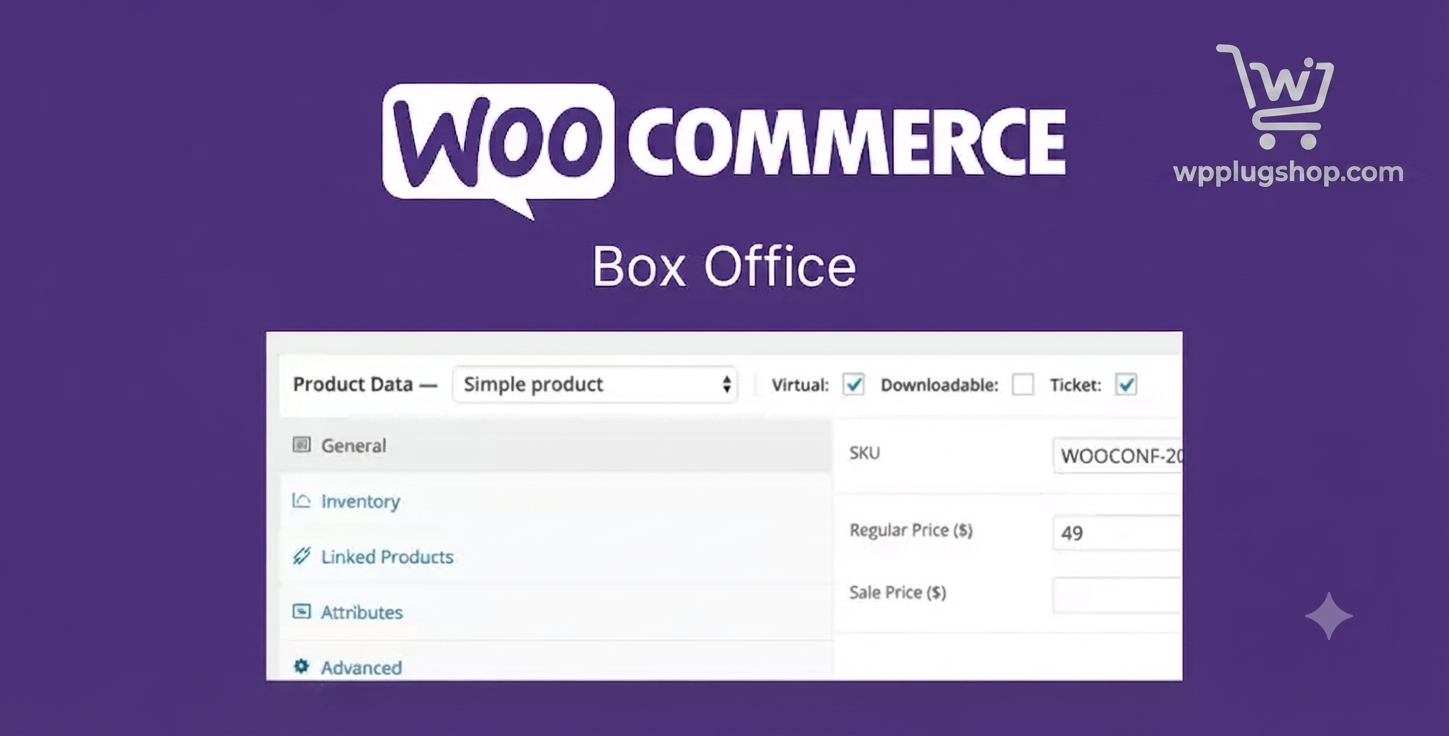
Preview WooCommerce Box Office – Event Ticketing Plugin for WooCommerce
View the product artwork, switch gallery images, and open a larger preview before checkout.
Get secure digital access for real WordPress projects
This section summarizes the buying experience and what customers can expect after checkout.
Product overview, benefits, and digital access details
Review the key product details, practical use cases, and digital access information before checkout.
Product Overview
WooCommerce Box Office 1.3.9 is a powerful event ticketing extension that transforms your WooCommerce store into a complete event registration and ticket sales platform. It enables you to create, sell, and manage tickets for conferences, workshops, webinars, concerts, classes, fundraisers, and other events directly from your WordPress website.
With seamless WooCommerce integration, the plugin helps streamline ticket sales, attendee management, ticket inventory, and event registration without relying on third-party ticketing services.
Why Choose WooCommerce Box Office?
Managing event registrations through multiple systems can be time-consuming and costly. WooCommerce Box Office centralizes ticket sales and attendee management inside your WooCommerce store, giving you greater control over your events and customer experience.
- Sell tickets directly through WooCommerce.
- Manage attendees from your WordPress dashboard.
- Create multiple ticket types for different events.
- Track ticket availability in real time.
- Collect attendee information during checkout.
- Simplify event management without third-party platforms.
Key Features
- Event Ticket Creation: Create tickets for conferences, workshops, seminars, webinars, concerts, and other events.
- Multiple Ticket Types: Offer different ticket categories such as General Admission, VIP, Early Bird, or Student tickets.
- Ticket Inventory Management: Control ticket availability and prevent overselling.
- Attendee Information Collection: Gather attendee details during the purchase process using customizable fields.
- Printable Tickets: Generate downloadable and printable event tickets for customers.
- Email Ticket Delivery: Automatically send tickets to customers after successful purchases.
- Attendee Management: View, organize, and manage attendee information from the WooCommerce dashboard.
- CSV Export: Export attendee lists for reporting, check-in, or event planning purposes.
- WooCommerce Integration: Works seamlessly with WooCommerce products, checkout, payments, and customer accounts.
- No Coding Required: Configure and manage event ticket sales using the WordPress admin interface.
Main Benefits
- Sell event tickets directly from your website.
- Reduce dependency on third-party ticketing platforms.
- Improve attendee management.
- Track ticket inventory efficiently.
- Enhance the customer purchasing experience.
- Centralize event registration inside WooCommerce.
- Save administrative time.
- Scale ticket sales for events of all sizes.
Best Use Cases
- Business conferences
- Training workshops
- Educational seminars
- Webinars
- Concerts
- Fundraising events
- Community events
- Sports events
- Classes and courses
- Corporate events
Who Should Use WooCommerce Box Office?
- Event Organizers: Manage ticket sales and registrations from a single platform.
- Training Providers: Sell tickets for workshops, seminars, and educational events.
- Businesses: Organize conferences, meetings, and promotional events.
- Non-Profit Organizations: Manage fundraising events and community programs.
- Developers & Agencies: Build complete event ticketing websites for clients using WooCommerce.
- Store Owners: Expand WooCommerce stores with professional ticket management features.
WP Plug Shop Benefits
- GPL-friendly WordPress-ready digital resource.
- Instant digital access after purchase.
- Secure checkout process.
- Scanned files for additional confidence.
- Suitable for developers, agencies, businesses, and event organizers.
- Affordable solution for WooCommerce event management.
Product Details
| Specification | Details |
|---|---|
| Product Name | WooCommerce Box Office |
| Version | 1.3.9 |
| Plugin Type | WooCommerce Event Ticketing Extension |
| Platform | WordPress & WooCommerce |
| Main Purpose | Create, sell, and manage event tickets through WooCommerce |
| Best For | Conferences, workshops, webinars, concerts, educational institutions, agencies, and businesses |
Feature Comparison
| Feature | Standard WooCommerce Store | WooCommerce Box Office |
|---|---|---|
| Event Ticket Sales | Not Included | Supported |
| Attendee Management | No | Yes |
| Printable Tickets | No | Yes |
| Ticket Inventory | Basic Product Stock | Event-Specific Ticket Inventory |
| Event Registration | Manual | Integrated |
Pros and Considerations
| Pros | Considerations |
|---|---|
| Complete event ticket management. | Requires WooCommerce. |
| Integrated attendee management. | Advanced event workflows may require additional extensions. |
| Multiple ticket types supported. | Features depend on WooCommerce compatibility. |
| No coding required. | Check compatibility after major WooCommerce updates. |
Final Verdict
WooCommerce Box Office 1.3.9 is an excellent ticketing extension for businesses and organizations that want to sell and manage event tickets directly through WooCommerce. It combines event registration, attendee management, ticket inventory, and printable tickets into one streamlined solution.
Whether you're organizing conferences, workshops, concerts, webinars, or community events, WooCommerce Box Office provides the tools needed to create a professional event ticketing experience while keeping complete control within your WooCommerce store.
Frequently Asked Questions
What is WooCommerce Box Office?
WooCommerce Box Office is a WooCommerce extension that allows you to create, sell, and manage event tickets directly from your WordPress website using your existing WooCommerce store.
Who should use WooCommerce Box Office?
This plugin is ideal for event organizers, conference managers, training providers, educational institutions, webinar hosts, concert organizers, agencies, and WooCommerce store owners who sell event tickets.
Can I sell different types of event tickets?
Yes. You can create multiple ticket types, such as General Admission, VIP, Early Bird, Student, or other ticket categories based on your event requirements.
Does WooCommerce Box Office manage attendee information?
Yes. The plugin allows you to collect attendee details during checkout and manage attendee information from the WooCommerce dashboard.
Can customers receive printable tickets?
Yes. After a successful purchase, customers can receive downloadable and printable tickets, depending on your website configuration.
Can I control ticket inventory?
Yes. WooCommerce Box Office includes ticket inventory management to help you monitor availability and reduce the risk of overselling.
Can I export attendee lists?
Yes. The plugin supports exporting attendee information in CSV format, making it easier to manage event check-ins, reporting, and planning.
Do I need coding knowledge to use WooCommerce Box Office?
No. The plugin is managed through the WordPress and WooCommerce administration interface, allowing you to configure event ticket sales without programming knowledge.
Does WooCommerce Box Office work with WooCommerce?
Yes. It is built specifically as a WooCommerce extension and integrates with WooCommerce products, checkout, payment gateways, and customer accounts.
Can developers and agencies use WooCommerce Box Office for client websites?
Yes. Developers and agencies can use the plugin to build complete event registration and ticketing systems for clients using WooCommerce.
Is WooCommerce Box Office suitable for conferences, workshops, and webinars?
Yes. It is suitable for conferences, workshops, webinars, seminars, concerts, fundraising events, educational programs, and many other ticketed events.
Why choose WooCommerce Box Office?
WooCommerce Box Office provides a centralized event ticketing solution within WooCommerce, helping you manage ticket sales, attendee registrations, inventory, and customer communication from a single platform.
Quick product answers for buyers and AI search
Clear product answers help buyers, search engines, and AI answer engines understand this product faster.
Best ways to use this WordPress digital product
These use cases help buyers quickly decide if this product fits their workflow.
How digital access works
No physical shipping is required. This is a digital product access purchase designed for account-based downloads.
Secure payment options for digital checkout
WPPlugShop supports trusted checkout options so buyers can complete digital purchases with more confidence.
Frequently asked questions
Buyer-focused answers about digital access, secure payments, downloads, support, and product usage.
Related WordPress tools you may also like
Explore related WordPress tools that may support the same workflow, website type, or project goal.




Choose the right WordPress tool with confidence
Request a product, explore membership access, or contact support if you want help choosing the right WordPress digital product before checkout.