
WooCommerce Box Office – Event Ticket Management Plugin
Verified from VirusTotal 100% Original Product and Virus Free. Free New Version Lifetime On Single Purchase. Unlimited Website Usage Price is in US dollars and included tax
Buy confidently with secure digital checkout, account-based downloads, and a cleaner WPPlugShop product experience.
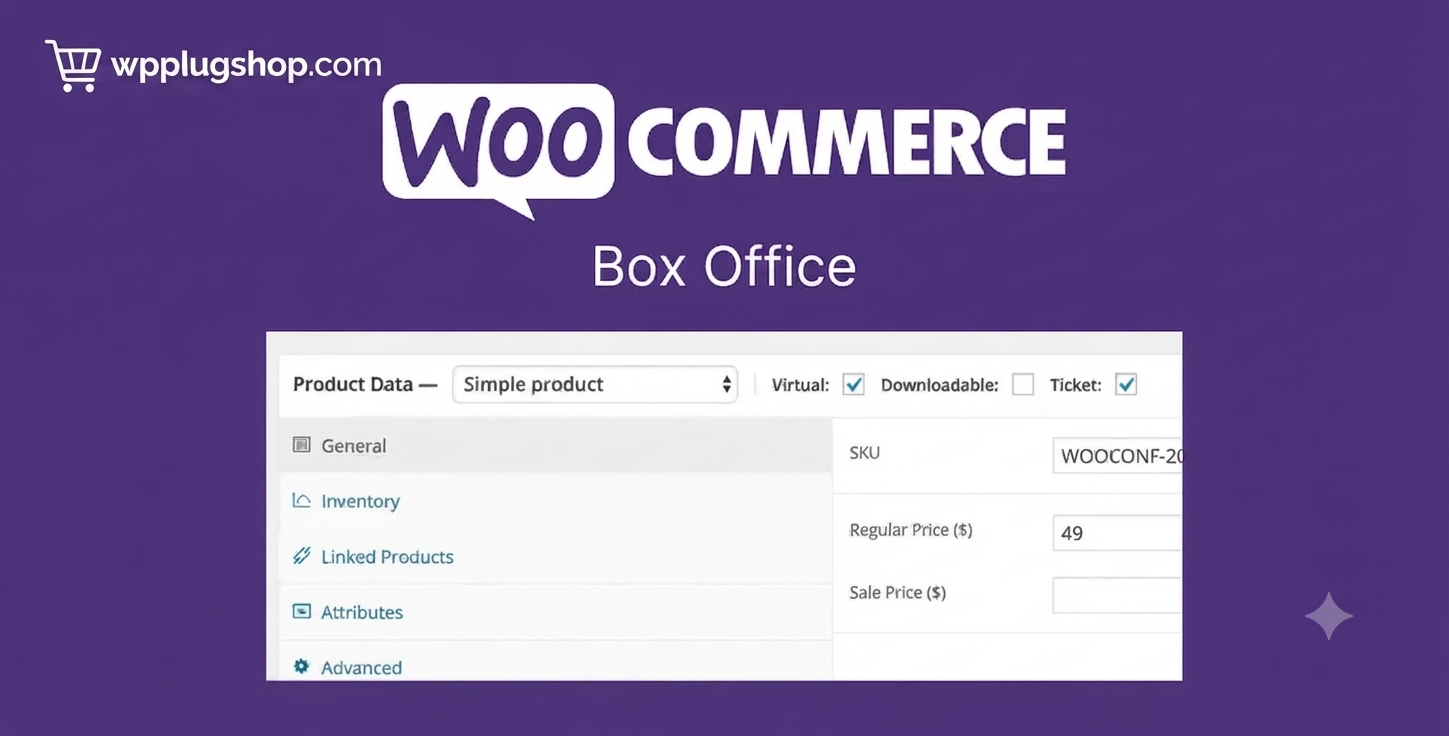
Preview WooCommerce Box Office – Event Ticket Management Plugin
View the product artwork, switch gallery images, and open a larger preview before checkout.
Get secure digital access for real WordPress projects
This section summarizes the buying experience and what customers can expect after checkout.
Product overview, benefits, and digital access details
Review the key product details, practical use cases, and digital access information before checkout.
Product Overview
WooCommerce Box Office is a premium WooCommerce extension that transforms your online store into a complete event ticketing platform. It enables you to sell tickets for conferences, workshops, concerts, webinars, seminars, festivals, charity events, and more while managing attendees directly from your WooCommerce dashboard.
With built-in attendee management, customizable registration fields, printable tickets, ticket inventory controls, and WooCommerce checkout integration, WooCommerce Box Office provides everything you need to organize and sell event tickets without relying on third-party ticketing platforms.
Why Choose WooCommerce Box Office?
Managing event registrations manually or through external ticketing services can increase costs and complicate customer management. WooCommerce Box Office centralizes ticket sales, attendee information, ticket delivery, and event administration inside your existing WooCommerce store.
This extension gives businesses full ownership of their event sales while providing customers with a familiar, secure, and seamless purchasing experience.
Key Features
- Sell event tickets directly through WooCommerce.
- Create unlimited events.
- Support multiple ticket types.
- Manage ticket inventory and stock.
- Collect custom attendee information.
- Generate printable event tickets.
- Manage ticket holders from the WooCommerce dashboard.
- Allow customers to view and manage their tickets.
- Export attendee lists in CSV format.
- Bulk email ticket holders.
- Customize ticket confirmation emails.
- Support WooCommerce coupons and discounts.
- Advanced attendee search and filtering.
- Optional barcode support through compatible extensions.
- Seamless WooCommerce checkout integration.
Main Benefits
- Sell tickets without third-party platforms.
- Reduce ticketing fees.
- Keep complete ownership of customer data.
- Simplify attendee management.
- Improve customer purchasing experience.
- Automate ticket delivery.
- Monitor ticket availability in real time.
- Increase event revenue.
- Manage all event operations from one dashboard.
Ideal Use Cases
- Business conferences.
- Educational workshops.
- Online webinars.
- Training programs.
- Music concerts.
- Festivals.
- Sports events.
- Fundraising events.
- Community gatherings.
- Corporate seminars.
Who Should Use WooCommerce Box Office?
- Event organizers.
- Conference managers.
- Training providers.
- Educational institutions.
- Marketing agencies.
- Nonprofit organizations.
- WooCommerce store owners.
- Businesses selling event tickets online.
WP Plug Shop Benefits
- Instant digital download after purchase.
- Secure checkout process.
- GPL-friendly access where applicable.
- Account-based download management.
- Suitable for freelancers, agencies, and businesses.
- Files reviewed before distribution.
Product Details
| Attribute | Details |
|---|---|
| Product Name | WooCommerce Box Office |
| Plugin Type | Premium WooCommerce Event Ticketing Extension |
| Platform | WordPress + WooCommerce |
| Main Purpose | Sell event tickets, manage attendees, and organize registrations directly through WooCommerce. |
| Core Features | Ticket sales, attendee management, printable tickets, custom registration fields, ticket inventory, CSV export, and WooCommerce integration. |
| Best For | Conferences, workshops, webinars, concerts, festivals, training programs, nonprofits, and event organizers. |
Feature Comparison
| Feature | Standard WooCommerce | WooCommerce Box Office |
|---|---|---|
| Event Ticket Sales | No | Yes |
| Attendee Management | No | Yes |
| Printable Tickets | No | Yes |
| Multiple Ticket Types | No | Yes |
| Custom Registration Fields | No | Yes |
| CSV Attendee Export | No | Yes |
| Bulk Attendee Emails | No | Yes |
| WooCommerce Checkout Integration | Basic Products Only | Fully Integrated |
Pros and Considerations
| Pros | Considerations |
|---|---|
| Complete event ticket management inside WooCommerce. | Requires WordPress and WooCommerce. |
| Easy attendee management and reporting. | Barcode scanning requires a compatible extension. |
| Supports multiple ticket types. | Event configuration should be completed before ticket sales begin. |
| Keeps customer and event data on your own website. | Large events may require additional WooCommerce optimization. |
| Reduces dependence on third-party ticketing services. | Advanced workflows may require integration with additional plugins. |
Final Verdict
WooCommerce Box Office is an excellent solution for businesses and organizations that want to sell event tickets directly through their WooCommerce store. It combines ticket sales, attendee management, registration forms, printable tickets, and event administration into one powerful extension.
Whether you're organizing conferences, concerts, workshops, webinars, or community events, WooCommerce Box Office helps you deliver a professional ticketing experience while maintaining full control over your customers, ticket inventory, and event operations.
Frequently Asked Questions
What is WooCommerce Box Office?
WooCommerce Box Office is a premium WooCommerce extension that allows you to sell event tickets, manage attendees, collect registration details, and organize events directly from your WordPress website.
Do I need WooCommerce to use WooCommerce Box Office?
Yes. WooCommerce Box Office is an extension for WooCommerce and requires both WordPress and WooCommerce to be installed and configured.
What types of events can I sell tickets for?
You can sell tickets for conferences, workshops, webinars, concerts, festivals, training sessions, charity events, sports events, seminars, community gatherings, and many other types of events.
Can I create multiple ticket types?
Yes. You can offer multiple ticket types for the same event, such as General Admission, VIP, Early Bird, Student, or Premium tickets, each with its own pricing and availability.
Can I collect attendee information during checkout?
Yes. WooCommerce Box Office allows you to collect custom attendee information during the ticket purchasing process, making event registration more flexible and organized.
Does WooCommerce Box Office generate printable tickets?
Yes. Customers can receive printable tickets after completing their purchase, making event check-in easier and more professional.
Can I export attendee lists?
Yes. The plugin lets you export attendee information in CSV format, making it easy to manage registrations, attendance records, and event planning.
Does it support barcode scanning?
Barcode functionality is available when used with compatible WooCommerce barcode extensions, allowing faster ticket verification during event check-in.
Can I send emails to ticket holders?
Yes. WooCommerce Box Office allows you to send bulk emails to attendees and customize ticket-related email notifications to improve communication before and after your event.
Who should use WooCommerce Box Office?
WooCommerce Box Office is ideal for event organizers, conference managers, educational institutions, nonprofits, agencies, businesses, and WooCommerce store owners who want to sell and manage event tickets directly from their website.
Quick product answers for buyers and AI search
Clear product answers help buyers, search engines, and AI answer engines understand this product faster.
Best ways to use this WordPress digital product
These use cases help buyers quickly decide if this product fits their workflow.
How digital access works
No physical shipping is required. This is a digital product access purchase designed for account-based downloads.
Secure payment options for digital checkout
WPPlugShop supports trusted checkout options so buyers can complete digital purchases with more confidence.
Frequently asked questions
Buyer-focused answers about digital access, secure payments, downloads, support, and product usage.
Related WordPress tools you may also like
Explore related WordPress tools that may support the same workflow, website type, or project goal.



Choose the right WordPress tool with confidence
Request a product, explore membership access, or contact support if you want help choosing the right WordPress digital product before checkout.