
WooCommerce FAQ – Product FAQs for WooCommerce
Verified from VirusTotal 100% Original Product and Virus Free. Free New Version Lifetime On Single Purchase. Unlimited Website Usage Price is in US dollars and included tax
Buy confidently with secure digital checkout, account-based downloads, and a cleaner WPPlugShop product experience.
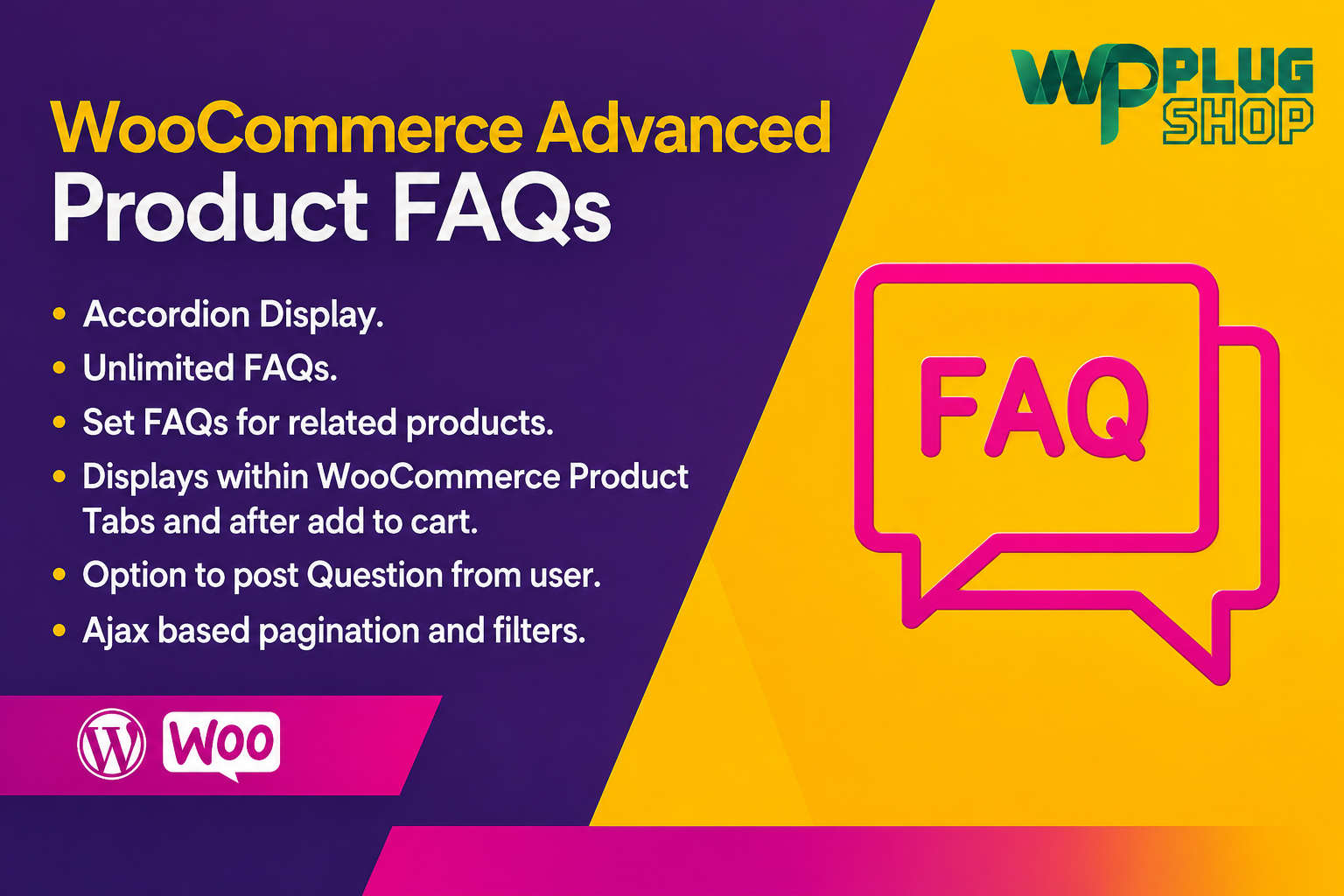
Preview WooCommerce FAQ – Product FAQs for WooCommerce
View the product artwork, switch gallery images, and open a larger preview before checkout.
Get secure digital access for real WordPress projects
This section summarizes the buying experience and what customers can expect after checkout.
Product overview, benefits, and digital access details
Review the key product details, practical use cases, and digital access information before checkout.
WooCommerce FAQ – Product FAQs for WooCommerce
Make product information easier to find with WooCommerce FAQ – Product FAQs for WooCommerce. This WooCommerce-focused solution lets store owners add product-specific frequently asked questions and answers directly to their product pages, giving shoppers a convenient place to find important information before making a purchase.
Instead of placing every possible question inside a long product description or sending customers to a separate FAQ page, product-specific FAQs can keep relevant questions and answers close to the product they relate to. This makes the product page more informative and gives customers a clearer way to review common concerns while browsing.
What Is WooCommerce Product FAQ?
WooCommerce Product FAQ functionality allows store administrators to associate questions and answers with individual WooCommerce products. The FAQs can then be presented on the relevant product page so customers can access additional product information without leaving the page.
WooCommerce's official Product FAQs documentation describes a workflow where administrators edit a product, open the FAQs section within the product data area, add questions and answers, reorder them when needed, and save the product so the FAQs are displayed on the product page. :contentReference[oaicite:1]{index=1}
Why Add FAQs to WooCommerce Product Pages?
Customers often have questions that are not fully answered by a product title, short description, images, or specifications. These questions can involve compatibility, requirements, usage, product details, included features, or other information relevant to the purchase decision.
A product FAQ section gives store owners a structured place to answer these questions. Instead of making shoppers search through multiple pages or contact the store for basic information, relevant answers can be presented directly alongside the product.
Answer Questions at the Point of Purchase
Product-specific FAQs place useful information where customers are already evaluating a product. This can make it easier for shoppers to understand whether a product matches their needs.
Keep Product Information Organized
A dedicated FAQ area separates common questions from the main product description while keeping both types of information available on the same product page.
Improve the Product Information Experience
Well-written product questions and answers can make product pages easier to understand, particularly when customers need clarification before purchasing.
Reduce Repetitive Questions
When the same product questions are repeatedly asked, adding clear answers to the relevant product page can provide customers with immediate access to that information.
Key Features
- Product-Specific FAQs: Add questions and answers that are relevant to individual WooCommerce products.
- Dedicated FAQ Area: Present product FAQs in a dedicated area on the product page.
- Question and Answer Management: Create and manage product-specific FAQ content from the WooCommerce product editing workflow.
- FAQ Reordering: Organize the order of questions so the most useful information can appear first.
- FAQ Removal: Remove questions that are no longer relevant to a product.
- Product Page Integration: Keep FAQs connected to the product they describe.
- Additional Product Information: Use FAQs to cover details that may not fit naturally into the main product description.
Product Details
| Detail | Information |
|---|---|
| Product Name | WooCommerce FAQ – Product FAQs for WooCommerce |
| Product Type | WooCommerce Product FAQ Extension |
| Platform | WordPress + WooCommerce |
| Primary Function | Add product-specific questions and answers to WooCommerce product pages |
| Primary Use | Product information, customer questions, and pre-purchase clarification |
| FAQ Management | Manage FAQs from the product editing workflow |
| FAQ Organization | Questions can be reordered or removed |
| Display | Dedicated FAQ area on the relevant product page |
| Best For | WooCommerce stores that need product-specific customer information |
How WooCommerce Product FAQs Work
- Create or edit a WooCommerce product.
- Open the product FAQ section.
- Add a relevant question and its answer.
- Arrange questions in the desired order.
- Save the product.
- Customers can then access the FAQs on the product page.
This product-level workflow is documented by WooCommerce and is designed to keep FAQs associated with the products they describe. :contentReference[oaicite:2]{index=2}
Best Use Cases for WooCommerce Product FAQs
Physical Products
Answer questions about materials, sizing, compatibility, care, installation, included items, or product usage.
Digital Products
Provide information about supported platforms, requirements, formats, access, installation, or intended use.
Technical Products
Use FAQs to explain compatibility requirements, supported environments, setup considerations, or common technical questions.
Online Courses and Educational Products
Explain access requirements, included material, intended audience, and other common questions customers may have before purchasing.
Service-Based WooCommerce Products
Clarify what is included, what customers need to provide, expected workflow, and common service-related questions.
Example Product FAQ Questions
Different products require different questions, but useful WooCommerce product FAQs may include:
- What is included with this product?
- Is this product compatible with my setup?
- What are the product requirements?
- How is the product used?
- Is installation required?
- Does this product work with my WooCommerce configuration?
- What information should I know before purchasing?
- Is this product suitable for my particular use case?
WooCommerce Product FAQ vs Standard Product Description
A product description and a product FAQ serve different purposes. The product description explains what the product is and highlights its features and benefits, while FAQs can address specific questions that customers may have while evaluating the product.
| Content Type | Primary Purpose | Best Use |
|---|---|---|
| Product Title | Identify the product | Product name and core positioning |
| Product Description | Explain the product | Features, benefits, specifications, and use cases |
| Product FAQ | Answer specific questions | Compatibility, requirements, usage, and common concerns |
| Store FAQ | Answer general business questions | digital access, payments, returns, policies, and store information |
Feature Comparison
| Feature | WooCommerce Product FAQs | Benefit |
|---|---|---|
| Product-Specific Questions | Yes | Keep answers relevant to individual products |
| Product Page Integration | Yes | Give shoppers access to answers while browsing products |
| Question and Answer Management | Yes | Maintain useful product information |
| FAQ Ordering | Yes | Place important questions in a logical order |
| FAQ Removal | Yes | Keep outdated information from being displayed |
| WooCommerce Integration | Yes | Designed around WooCommerce product pages |
WooCommerce FAQ and Customer Experience
A helpful product page should answer as many relevant customer questions as possible without becoming difficult to navigate. Product FAQs provide an additional information layer that can be especially valuable when products have technical requirements, compatibility considerations, usage instructions, or other details that customers commonly ask about.
By placing these answers close to the product, store owners can create a more convenient information journey. Customers can review the product description, specifications, reviews, and FAQs within the same shopping experience.
WooCommerce FAQ and Elementor
The official WooCommerce documentation notes that product FAQs are integrated into the product-page tabs. When designing a single-product template with Elementor, the Product Data Tabs widget needs to be included so the product tabs, including the FAQ tab, can be displayed. :contentReference[oaicite:3]{index=3}
This means Elementor can be relevant to the presentation of the FAQ area, but this product should not be positioned as an Elementor addon.
Pros and Considerations
| Pros | Considerations |
|---|---|
| Provides product-specific questions and answers | Requires WooCommerce |
| Keeps FAQs close to relevant product information | FAQ quality depends on the information provided by the store owner |
| Helps organize common product questions | Store owners should keep answers accurate and updated |
| Useful for pre-purchase product questions | Theme or template customization may affect presentation |
| Questions can be organized and maintained | Specific access, update, and support terms depend on the digital offering |
Why Use Product FAQs Instead of Only a General FAQ Page?
A general FAQ page is useful for store-wide questions such as payment methods, digital access policies, returns, and account information. Product FAQs serve a different purpose by focusing on questions about a particular product.
For example, a store selling multiple technical products may have a general FAQ explaining payment and digital access while each product has its own questions about compatibility, requirements, installation, or usage. This creates a more targeted information experience.
Who Should Use WooCommerce Product FAQs?
This solution is particularly useful for WooCommerce store owners who regularly receive product-related questions from customers. It can also be useful for freelancers, agencies, developers, digital product sellers, technical stores, and businesses that want to provide more detailed product information directly on product pages.
If customers frequently ask questions before purchasing, a dedicated WooCommerce product FAQ can provide a structured place to publish clear answers and make product information easier to access.
Important Compatibility Considerations
WooCommerce Product FAQs are designed around WooCommerce product pages. Before deploying any WooCommerce extension on a live store, test it with your theme, WooCommerce configuration, and other active extensions. WooCommerce recommends testing products and updates in a staging or development environment before using them on production websites. :contentReference[oaicite:4]{index=4}
Theme compatibility can also vary when themes modify or remove standard WooCommerce functionality. WooCommerce's documentation notes that the Product FAQs extension is generally compatible with most themes, while acknowledging that some themes may have compatibility issues due to customized WooCommerce functionality. :contentReference[oaicite:5]{index=5}
WP Plug Shop Digital Access
Get access to WooCommerce FAQ – Product FAQs for WooCommerce through WP Plug Shop and add a practical product-information tool to your WooCommerce toolkit.
This resource is designed for store owners who want to organize product-specific questions and answers directly within their WooCommerce product experience.
Before installation, review your WordPress and WooCommerce environment and verify that the product meets your project's requirements.
Key Takeaway
WooCommerce FAQ – Product FAQs for WooCommerce helps store owners add product-specific questions and answers directly to WooCommerce product pages. By keeping relevant answers close to the products customers are considering, it provides a structured way to communicate additional product information and address common pre-purchase questions.
Frequently Asked Questions
What is WooCommerce Product FAQs?
WooCommerce Product FAQs is a WooCommerce extension that allows store owners to add product-specific questions and answers to individual product pages. This gives customers a dedicated place to find additional product information while shopping.
How do I add FAQs to a WooCommerce product?
Edit or create a WooCommerce product, open the FAQs section within the product data area, and add your questions and answers. You can then reorder or remove FAQs before saving the product. The FAQs are displayed on the relevant product page. :contentReference[oaicite:1]{index=1}
Where do WooCommerce Product FAQs appear?
The FAQs are displayed in a dedicated FAQs tab on the product page. This keeps product-specific questions and answers close to the information customers are already reviewing. :contentReference[oaicite:2]{index=2}
Can I add different FAQs to different WooCommerce products?
Yes. Product FAQs are managed from the individual product editing workflow, allowing questions and answers to be associated with the products they are intended to explain. :contentReference[oaicite:3]{index=3}
Can I change the order of product FAQs?
Yes. WooCommerce documentation confirms that product FAQs can be moved up or down, allowing store owners to place important questions in a more useful order. :contentReference[oaicite:4]{index=4}
Can I remove a product FAQ?
Yes. Individual FAQs can be removed when they are no longer relevant or when product information changes. :contentReference[oaicite:5]{index=5}
Is WooCommerce Product FAQs useful for pre-purchase questions?
Yes. Product FAQs are useful for answering common questions about product requirements, compatibility, usage, features, and other information customers may want before purchasing. WooCommerce also recommends clear FAQs for addressing buyer questions and purchase concerns. :contentReference[oaicite:6]{index=6}
Does WooCommerce Product FAQs work with Elementor?
WooCommerce's documentation explains that the FAQs are integrated into the product-page tabs. When using an Elementor single-product template, the Product Data Tabs widget needs to be included so the product tabs can be displayed. :contentReference[oaicite:7]{index=7}
Is WooCommerce Product FAQs compatible with every WordPress theme?
The official documentation states that the extension will generally work with most themes, although individual themes can create compatibility issues when they modify or remove standard WooCommerce functionality. Testing with the intended theme is recommended. :contentReference[oaicite:8]{index=8}
What types of questions can I add to WooCommerce product pages?
You can use product FAQs for questions relevant to the individual product, such as compatibility, requirements, usage, included features, specifications, installation considerations, or other common customer questions.
Can Product FAQs replace a general WooCommerce FAQ page?
Product FAQs and a general store FAQ serve different purposes. Product FAQs focus on individual products, while a general FAQ page can cover store-wide topics such as digital access, payments, returns, accounts, and policies. Using both can provide more complete customer information.
Should I test WooCommerce Product FAQs before using it on a live store?
Yes. WooCommerce recommends thoroughly testing the extension in a staging or development environment before deploying it on a production website, including testing its interaction with your theme and other active plugins or extensions. :contentReference[oaicite:9]{index=9}
Quick product answers for buyers and AI search
Clear product answers help buyers, search engines, and AI answer engines understand this product faster.
Best ways to use this WordPress digital product
These use cases help buyers quickly decide if this product fits their workflow.
How digital access works
No physical shipping is required. This is a digital product access purchase designed for account-based downloads.
Secure payment options for digital checkout
WPPlugShop supports trusted checkout options so buyers can complete digital purchases with more confidence.
Frequently asked questions
Buyer-focused answers about digital access, secure payments, downloads, support, and product usage.
Related WordPress tools you may also like
Explore related WordPress tools that may support the same workflow, website type, or project goal.




Choose the right WordPress tool with confidence
Request a product, explore membership access, or contact support if you want help choosing the right WordPress digital product before checkout.