
WP Staging Pro – Advanced WordPress Staging, Cloning & Migration Plugin
Verified from VirusTotal 100% Original Product and Virus Free. Free New Version Lifetime On Single Purchase. Unlimited Website Usage Price is in US dollars and included tax
Buy confidently with secure digital checkout, account-based downloads, and a cleaner WPPlugShop product experience.
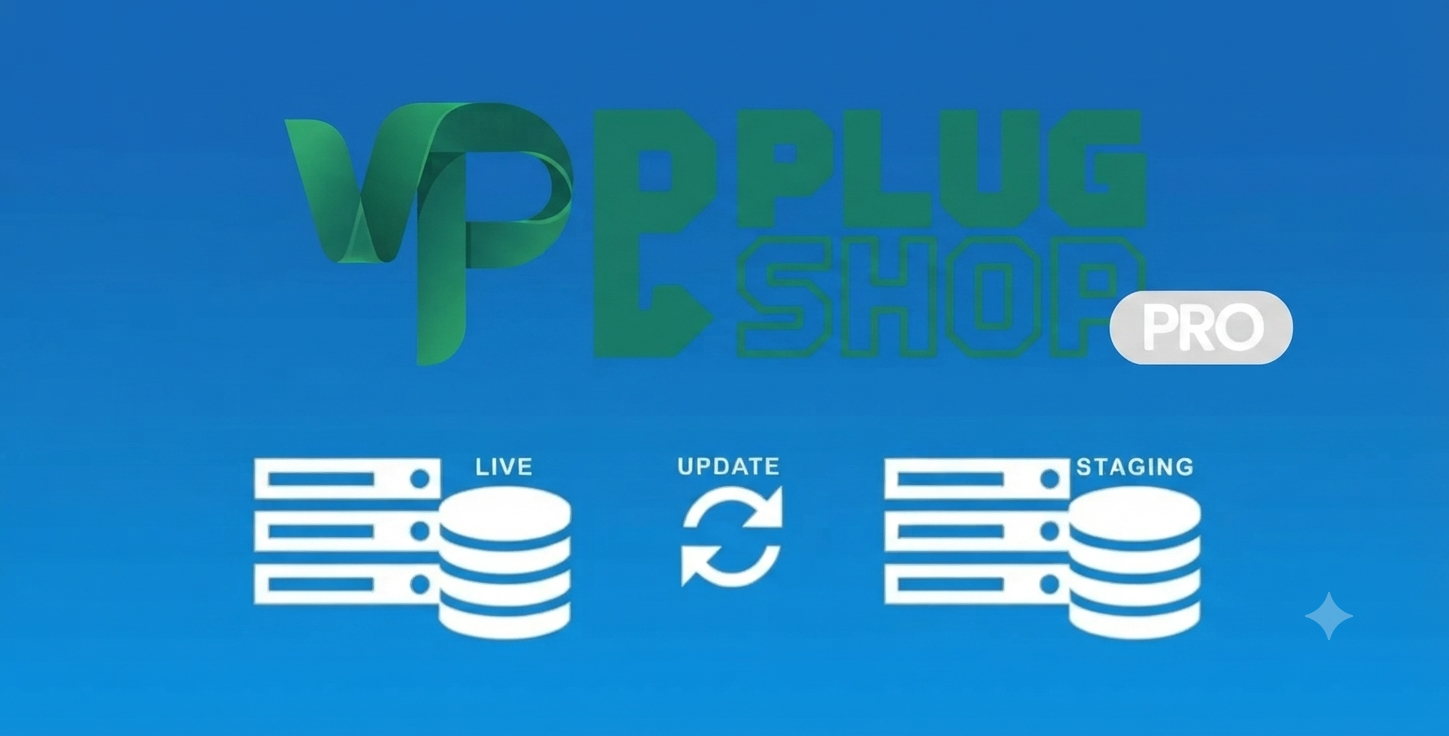
Preview WP Staging Pro – Advanced WordPress Staging, Cloning & Migration Plugin
View the product artwork, switch gallery images, and open a larger preview before checkout.
Get secure digital access for real WordPress projects
This section summarizes the buying experience and what customers can expect after checkout.
Product overview, benefits, and digital access details
Review the key product details, practical use cases, and digital access information before checkout.
Product Overview
WP Staging Pro is the premium all-in-one solution for WordPress developers and site owners who prioritize security and uptime. Designed to facilitate a seamless development workflow, it allows you to create an exact, functional clone of your production website in a staging environment. With WP Staging Pro, you can test plugin updates, theme modifications, and complex code changes without the fear of damaging your live site or affecting user experience.
Why This Product Is Useful
Directly updating your live website can lead to devastating "white screen of death" errors, broken layouts, or incompatible database changes. WP Staging Pro eliminates these risks by creating a sandbox environment where you can safely push changes to live only after you are 100% satisfied with the results. It is an essential tool for professional site maintenance and e-commerce stability.
Key Features
- One-Click Staging Environment: Instantly clone your entire WordPress installation, including the database and file system, with a single click.
- Push to Live (Selective Migration): Effortlessly migrate your staging changes to your live site, with the ability to selectively choose which database tables or files to update.
- Enterprise-Grade Backups: Beyond staging, it includes a robust backup and restore engine compatible with S3, Dropbox, Google Drive, and more.
- Remote Sync: Sync your staging site with external servers, making it ideal for distributed development teams.
- Multisite Support: Full compatibility with complex WordPress Multisite networks, ensuring consistent performance across all sub-sites.
- Resource-Efficient Engine: Optimized database processing ensures fast cloning even on sites with massive content libraries and high traffic.
Main Benefits
- Zero Downtime Development: Perform major site redesigns or plugin migrations while your live site stays 100% operational.
- Risk-Free Testing: Easily experiment with new plugins or code snippets, knowing your production environment is completely isolated.
- Simplified Migration: Use the built-in migration tools to transfer your site to new hosting providers with perfect data integrity.
- Automated Protection: Rest easy with scheduled backups that ensure your hard work is always recoverable.
Best Use Cases
| Use Case | Description |
|---|---|
| WooCommerce Updates | Safely test payment gateway changes and shopping cart updates before deploying. |
| Theme Redesign | Build and refine your site’s aesthetic on a staging server before launching to the public. |
| Hosting Migration | Clone your site to a new server, verify integrity, and go live with zero data loss. |
Who Should Use This Product?
- Agencies & Freelancers: Manage multiple client websites with a consistent, safe development and deployment workflow.
- E-commerce Store Owners: Prevent revenue loss by ensuring all updates are pre-verified before they touch your checkout page.
- WordPress Power Users: Take full control of your site’s backend with professional-grade cloning and backup tools.
WP Plug Shop Access Benefits
Accessing WP Staging Pro through WP Plug Shop guarantees you a clean, secure, and professional digital download. Our files are meticulously sourced and scanned, providing you with a reliable, GPL-friendly foundation to manage your WordPress development cycles efficiently.
Feature Comparison
| Feature | Basic Backup Plugins | WP Staging Pro |
|---|---|---|
| Staging/Cloning | No/Limited | Advanced/Full-Site |
| Push to Live | No | Yes (Selective) |
| Speed | Slower | Optimized/High-Performance |
Pros and Considerations
| Pros | Considerations |
|---|---|
| Industry-standard push-to-live functionality | Requires enough server storage for staging clone |
| All-in-one backup and migration tool | Best performance on optimized hosting environments |
Final Verdict
WP Staging Pro is more than just a backup plugin; it is a vital part of your site’s infrastructure. By providing a safe staging environment and a foolproof push-to-live mechanism, it is the best investment you can make to protect your business and streamline your WordPress development workflow.
Frequently Asked Questions
What is the difference between a staging site and a backup?
A staging site is a fully functional, cloned version of your website where you can test changes, updates, and new features in a safe, isolated environment. A backup is a static snapshot of your site's files and database, designed for disaster recovery. WP Staging Pro provides both, acting as a complete development and protection toolkit.
Can I push changes from the staging site to my live site?
Yes, WP Staging Pro features an advanced "Push to Live" functionality. This allows you to migrate changes—such as updated theme settings, new code snippets, or configuration adjustments—from your staging environment back to your live production site, with the ability to selectively choose which database tables and files you wish to update.
Will staging my site affect my live site performance?
WP Staging Pro is engineered for high performance. It uses efficient database-processing techniques to minimize the load on your server while creating the staging environment. However, since the staging process involves copying large amounts of data, it is recommended to run the cloning process during periods of lower traffic.
Does WP Staging Pro work with WordPress Multisite?
Yes, WP Staging Pro includes full support for WordPress Multisite networks. You can easily clone individual subsites or the entire network, making it the perfect choice for developers managing complex multisite configurations who need a reliable way to test site-wide updates.
Is this plugin suitable for WooCommerce stores?
Absolutely. WP Staging Pro is widely used by e-commerce owners to test plugin updates, payment gateway changes, and layout modifications. It ensures that your store's critical checkout functionality remains stable while you experiment with new features in your staging environment.
Do I need to be a developer to use WP Staging Pro?
While it is a powerful tool for professional developers, WP Staging Pro is designed with a user-friendly interface. Its one-click staging process makes it accessible for site owners who want a professional, safe development environment without needing extensive technical or coding knowledge.
What happens if my staging site update breaks something?
That is exactly what the staging environment is for! Because your staging site is isolated, any errors, broken layouts, or site-breaking changes you encounter while testing will have absolutely no impact on your live website. You can simply troubleshoot, fix the issues in the staging area, and only push the working version to live once it is ready.
Is the version from WP Plug Shop secure?
At WP Plug Shop, we prioritize the integrity of your WordPress projects. Our files are sourced, scanned, and verified to be clean and secure. By providing GPL-friendly access, we ensure that you get a professional, functional, and budget-conscious tool that is perfectly suited for managing your site's development and backup needs.
Quick product answers for buyers and AI search
Clear product answers help buyers, search engines, and AI answer engines understand this product faster.
Best ways to use this WordPress digital product
These use cases help buyers quickly decide if this product fits their workflow.
How digital access works
No physical shipping is required. This is a digital product access purchase designed for account-based downloads.
Secure payment options for digital checkout
WPPlugShop supports trusted checkout options so buyers can complete digital purchases with more confidence.
Frequently asked questions
Buyer-focused answers about digital access, secure payments, downloads, support, and product usage.
Related WordPress tools you may also like
Explore related WordPress tools that may support the same workflow, website type, or project goal.




Choose the right WordPress tool with confidence
Request a product, explore membership access, or contact support if you want help choosing the right WordPress digital product before checkout.