
WPForms Dropbox Addon Premium Cloud Integration & File Automation
Verified from VirusTotal 100% Original Product and Virus Free. Free New Version Lifetime On Single Purchase. Unlimited Website Usage Price is in US dollars and included tax
Buy confidently with secure digital checkout, account-based downloads, and a cleaner WPPlugShop product experience.
Preview WPForms Dropbox Addon Premium Cloud Integration & File Automation
View the product artwork, switch gallery images, and open a larger preview before checkout.
Get secure digital access for real WordPress projects
This section summarizes the buying experience and what customers can expect after checkout.
Product overview, benefits, and digital access details
Review the key product details, practical use cases, and digital access information before checkout.
Product Overview
WPForms Dropbox Addon is the essential bridge between your WordPress website and your cloud storage infrastructure. Designed for businesses, agencies, and busy site administrators, this addon automates the tedious manual process of downloading, sorting, and organizing files submitted via your web forms. By establishing a direct, secure connection between your WordPress forms and your Dropbox account, you can create a streamlined, "hands-off" workflow for handling documents, images, and user-submitted content.
Why This Product Is Useful
Managing high volumes of file uploads directly on your WordPress server can lead to cluttered media libraries, slow performance, and increased hosting costs. The WPForms Dropbox Addon solves this by offloading these files to the cloud immediately upon submission. With intelligent features like conditional routing and dynamic subfolder creation, you ensure that your files are organized into the correct folders the moment they arrive, saving you hours of administrative work every week.
Key Features
- Direct Cloud Upload: Automatically syncs files from any WPForms "File Upload" field directly to your Dropbox account.
- Smart Tag Folders: Create dynamic folder structures automatically using entry data (e.g., sort files by user name, date, or submission ID).
- Conditional Logic Integration: Only upload files to Dropbox when specific criteria are met, giving you granular control over your storage.
- Server Space Optimization: Includes an optional setting to delete files from your local WordPress server once they are successfully uploaded to Dropbox, keeping your site fast and lean.
- Nested Folder Support: Easily create and organize files within subfolders (up to 3 levels deep) for clean and professional file management.
- Seamless Integration: Works natively within the WPForms builder; simply add the Dropbox connection to any form in seconds.
Main Benefits
- Automated Efficiency: Stop manually downloading form attachments. Let the system handle the organization for you.
- Improved Security: Keep sensitive documents in your secure Dropbox account rather than on your web server.
- Cost Reduction: Save on expensive high-storage hosting plans by utilizing cloud-based storage for your user-submitted files.
- Better Team Collaboration: Instantly share form submissions with your team through shared Dropbox folders.
Best Use Cases
| Industry/Use Case | How It Works |
|---|---|
| Recruitment/HR | Resumes and cover letters are automatically sent to a "Candidates" folder. |
| Client Onboarding | Contracts and project briefs are sorted into specific client subfolders. |
| Support/Troubleshooting | User screenshots of issues are saved to a dedicated "Support Tickets" folder. |
| Sales/Proposals | Vendor quotes and RFP documents are organized by date or company name. |
Who Should Use This Product?
This addon is indispensable for:
- Agencies handling large volumes of assets from multiple clients.
- HR Departments managing job applications through their website.
- E-commerce Businesses accepting custom designs or logos for personalized products.
- Site Administrators looking to optimize server performance and storage management.
WP Plug Shop Access Benefits
Downloading the WPForms Dropbox Addon from WP Plug Shop provides you with a reliable, professional-grade toolset:
- Scanned Digital Files: Verified for security and stability before release.
- Instant Digital Access: Skip the account registration hurdles and get your automation working today.
- GPL-Friendly Access: Trusted by the professional community for high-standard project workflows.
- Enterprise-Ready: Perfect for scaling your business processes without high recurring software costs.
Feature Comparison
| Feature | WPForms Dropbox Addon | Manual File Management |
|---|---|---|
| File Sorting | Automated via Smart Tags | Manual |
| Server Storage Impact | Low (Offloaded) | High |
| Setup Effort | One-time configuration | Constant daily effort |
| Data Accessibility | Instant Cloud Access | Requires Server Login |
Final Verdict
The WPForms Dropbox Addon is the ultimate "set it and forget it" tool for site owners who want to scale their operations efficiently. It transforms your contact forms from simple communication tools into powerful data-entry engines. Download it today at WP Plug Shop to reclaim your time and declutter your server.
Frequently Asked Questions
What is the WPForms Dropbox Addon?
The WPForms Dropbox Addon is a premium integration that allows you to automatically send file uploads from your WordPress forms directly to your Dropbox account. This eliminates the need for manual file transfers and helps you stay organized without relying on third-party services.
Does using the Dropbox Addon save server space?
Yes. You have the option to enable "Delete Local Files After Upload." Once this is turned on, files are automatically removed from your WordPress server after a successful upload to Dropbox, leaving only the version in your cloud storage and helping you save significant server space.
Can I organize my files into specific folders automatically?
Absolutely. You can map different file upload fields to specific Dropbox folders. You can also use Smart Tags (like {date format="Y"} or {field_id="1"}) to create dynamic folder names, or nest subfolders up to three levels deep to keep your data perfectly categorized.
Can I use conditional logic with the Dropbox Addon?
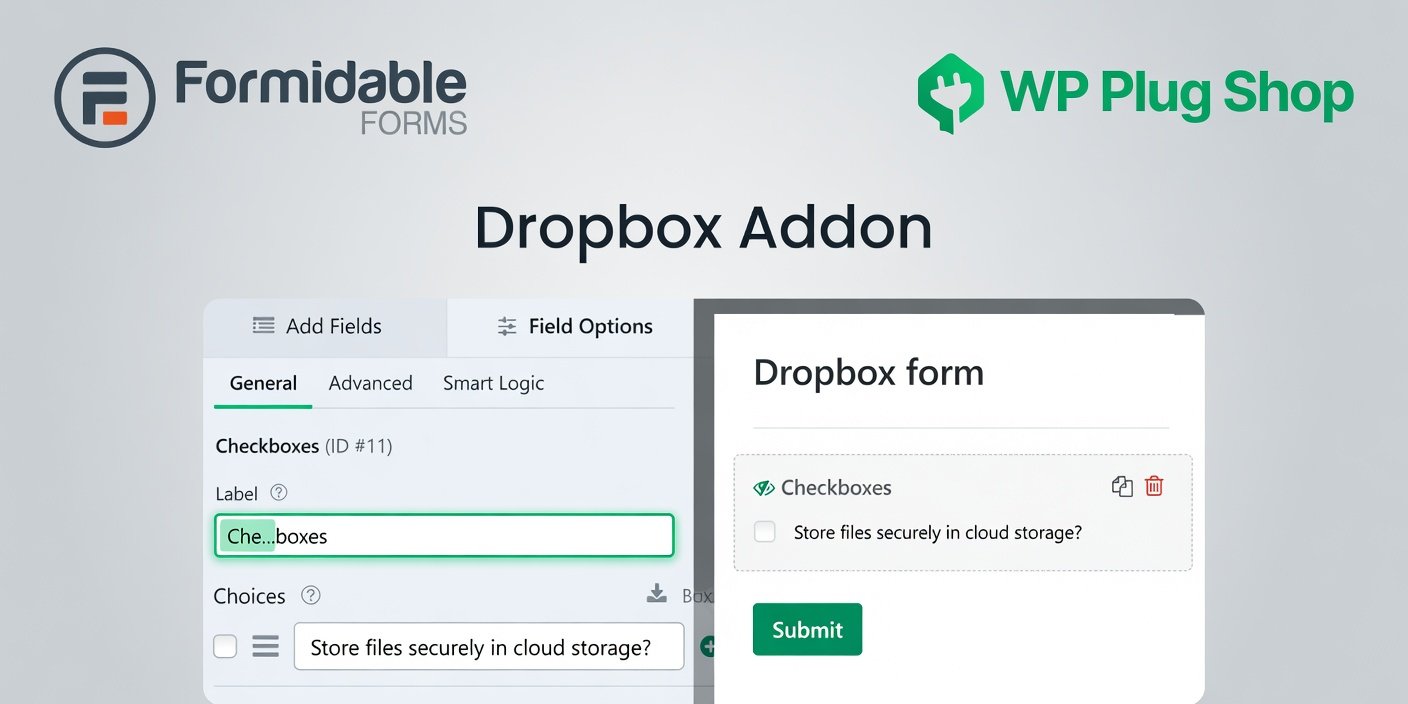
Yes, you can. You can configure your form so that files are only sent to Dropbox based on specific user selections (e.g., if a user checks a box labeled "Store files in cloud storage?"). This gives you full control over when and where your files are uploaded.
Is it secure to send files to Dropbox?
Yes, the integration uses Dropbox’s official API to transfer files securely from your WordPress site. WPForms only requests the necessary permissions to create and manage files in the specific Apps/WPForms directory, ensuring your existing personal files remain untouched and secure.
What file types can users upload?
WPForms supports a wide variety of common file types, including documents (PDF, DOC, DOCX), images (JPG, PNG, GIF), and spreadsheets (XLS, XLSX). You can easily restrict or expand allowed file extensions within the File Upload field settings in your form builder.
Do I need technical expertise to set this up?
Not at all. The setup is designed to be quick and user-friendly. You simply connect your Dropbox account in the WPForms settings, add a Dropbox connection to your form, and map your upload fields. No coding or complex technical knowledge is required.
Quick product answers for buyers and AI search
Clear product answers help buyers, search engines, and AI answer engines understand this product faster.
Best ways to use this WordPress digital product
These use cases help buyers quickly decide if this product fits their workflow.
How digital access works
No physical shipping is required. This is a digital product access purchase designed for account-based downloads.
Secure payment options for digital checkout
WPPlugShop supports trusted checkout options so buyers can complete digital purchases with more confidence.
Frequently asked questions
Buyer-focused answers about digital access, secure payments, downloads, support, and product usage.
Related WordPress tools you may also like
Explore related WordPress tools that may support the same workflow, website type, or project goal.




Choose the right WordPress tool with confidence
Request a product, explore membership access, or contact support if you want help choosing the right WordPress digital product before checkout.