
Frequently Asked Questions About Zion Builder Pro
What is Zion Builder Pro?
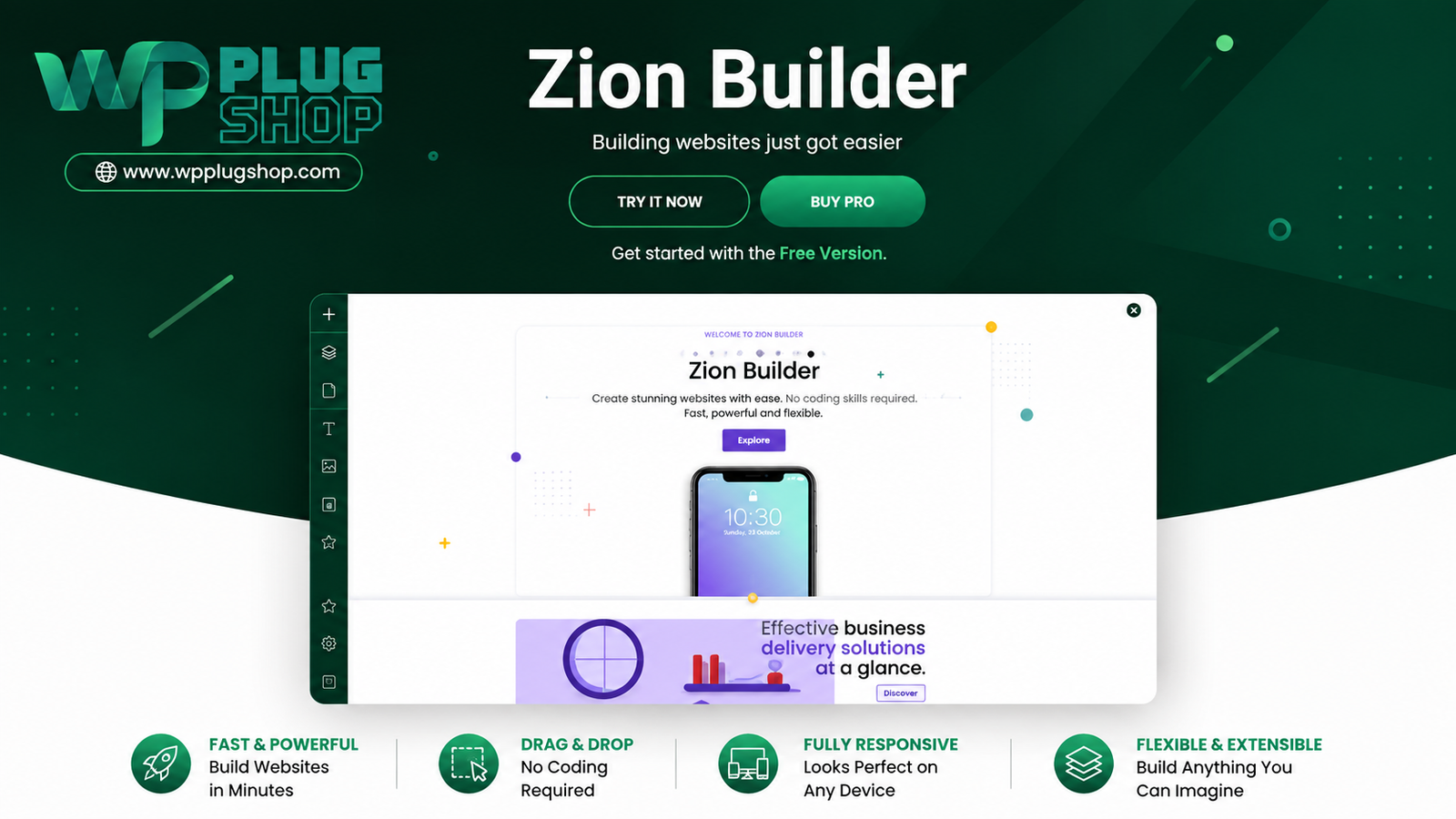
Zion Builder Pro is an advanced visual WordPress page builder that lets users create pages, templates, headers, footers, dynamic layouts, and other website components through a visual editing workflow. The Pro version adds advanced website-building features beyond the core builder.
Is Zion Builder Pro a WordPress page builder?
Yes. Zion Builder Pro is a visual WordPress page builder designed for creating and customizing website layouts without requiring users to manually code every page element. It also extends into theme-building and dynamic-content workflows.
Does Zion Builder Pro include a Theme Builder?
Yes. The Pro version includes Theme Builder functionality, allowing users to create custom templates for different areas of a WordPress website, including content layouts, archives, and other template-based sections.
Can Zion Builder Pro create custom headers and footers?
Yes. Zion Builder Pro includes Header and Footer Builder functionality, allowing users to visually design custom header and footer layouts and assign them to relevant areas of their WordPress website.
Can I use Zion Builder Pro to build WooCommerce pages?
Yes. Zion Builder Pro includes a WooCommerce Builder that can be used to visually create and customize WooCommerce-related templates, including single-product and product archive layouts.
Does Zion Builder Pro support dynamic content?
Yes. Zion Builder Pro supports dynamic data that can pull information from WordPress content sources and display it within supported elements. This can be useful for building reusable templates for posts, pages, custom post types, taxonomies, and other dynamic website content.
Can Zion Builder Pro be used for responsive WordPress websites?
Yes. Zion Builder provides responsive editing controls that allow users to adjust supported design properties for different device sizes, helping create layouts for desktop, tablet, and mobile visitors.
Can I create reusable templates with Zion Builder Pro?
Yes. Zion Builder Pro provides reusable templates and blocks that can be saved and used across projects or different areas of a website. This can help maintain consistent layouts and reduce repetitive design work.
Does Zion Builder Pro support custom CSS and JavaScript?
Yes. Pro provides custom CSS and JavaScript capabilities for users who need additional control beyond the standard visual design settings. This makes the builder suitable for both visual workflows and more advanced customization.
Is Zion Builder Pro an alternative to Elementor?
Zion Builder Pro can be considered as an alternative when comparing WordPress visual page builders. It offers page building alongside theme templates, dynamic content, WooCommerce building, headers, footers, reusable templates, and other advanced website-building functionality. The better choice depends on the project’s workflow, existing plugins, design requirements, and user preferences.
Frequently Asked Questions About Zion Builder Pro
What can I build with Zion Builder Pro?
Zion Builder Pro can be used to visually create WordPress pages, custom theme templates, headers, footers, dynamic layouts, popups, sliders, reusable blocks, and WooCommerce templates. It is designed to provide broader website-building control than a basic page editor.
Is Zion Builder Pro suitable for beginners?
Zion Builder Pro uses a visual website-building workflow that can make page creation more accessible to WordPress users who prefer visual editing. Advanced features such as dynamic content, custom CSS, JavaScript, and theme templates may require additional WordPress knowledge.
Can Zion Builder Pro build a complete WordPress website?
Yes. The builder can be used for individual pages as well as broader website components through its Theme Builder, Header and Footer Builder, reusable templates, dynamic content tools, and other Pro features.
Does Zion Builder Pro work with WooCommerce?
Yes. Zion Builder Pro includes WooCommerce Builder functionality for creating and customizing WooCommerce layouts, including product-related templates and product archive layouts.
Can Zion Builder Pro customize WooCommerce product pages?
Yes. The WooCommerce Builder provides visual controls for creating supported single-product layouts and other WooCommerce templates, giving store owners more control over how product information is presented.
Does Zion Builder Pro support WordPress dynamic content?
Yes. Dynamic Data functionality can retrieve information from WordPress content sources and display it within supported builder elements. This is useful for creating templates that automatically adapt to different posts, pages, custom post types, taxonomies, and other content.
Can I create custom WordPress headers and footers with Zion Builder Pro?
Yes. The Pro version includes Header and Footer Builder functionality, allowing users to visually design custom headers and footers and control where those layouts appear on a WordPress website.
Does Zion Builder Pro have responsive editing?
Yes. Responsive editing controls allow supported design settings to be adjusted for different device sizes. This makes it possible to create layouts intended for desktop, tablet, and mobile visitors from the visual builder environment.
Can Zion Builder Pro create reusable WordPress templates?
Yes. Zion Builder Pro includes reusable templates and blocks that can be saved and reused. This can help freelancers, agencies, and website owners standardize recurring layouts and reduce repetitive design work.
Is Zion Builder Pro suitable for agencies and freelancers?
Yes. Its reusable templates, global styling controls, dynamic content capabilities, role management, and visual editing workflow can be useful for freelancers and agencies managing multiple WordPress websites or client projects.
Frequently Asked Questions About Zion Builder Pro
What is Zion Builder Pro used for?
Zion Builder Pro is used to visually build and customize WordPress websites. Beyond creating individual pages, its Pro features can be used for theme templates, headers, footers, dynamic content, reusable layouts, popups, sliders, and WooCommerce templates.
What is the difference between Zion Builder and Zion Builder Pro?
Zion Builder Pro adds advanced website-building capabilities to the core builder, including Theme Builder, Header and Footer Builder, WooCommerce Builder, Dynamic Data, Modal Builder, Slider Builder, additional elements, custom fonts and icons, and other advanced controls.
Can Zion Builder Pro replace a traditional WordPress page-building workflow?
Zion Builder Pro can provide a visual alternative to manually creating many WordPress layouts through code. It combines visual page building with theme templates, reusable components, dynamic content, responsive controls, and WooCommerce design tools. Projects that require custom development may still benefit from coding alongside the builder.
Can I create a complete WordPress website with Zion Builder Pro?
Yes. Zion Builder Pro can be used across multiple parts of a WordPress website, including pages, headers, footers, theme templates, dynamic layouts, reusable blocks, and other visual components. This makes it suitable for creating complete business websites, content sites, portfolios, and other WordPress projects.
Does Zion Builder Pro include a WordPress Theme Builder?
Yes. Theme Builder functionality is included with Zion Builder Pro. It allows users to create custom templates for different WordPress content areas and control how those templates are used across a website.
Can Zion Builder Pro create WooCommerce product templates?
Yes. Zion Builder Pro includes WooCommerce Builder functionality for visually creating supported WooCommerce layouts, including single-product and product archive templates. This can give store owners greater control over their product presentation.
Does Zion Builder Pro support dynamic content and custom post types?
Yes. Zion Builder Pro’s Dynamic Data functionality can work with WordPress content sources and is designed for dynamic template workflows. This can be useful when building layouts for posts, pages, custom post types, taxonomies, and other dynamic content.
Can I build responsive websites with Zion Builder Pro?
Yes. Zion Builder provides responsive editing controls that allow supported design settings to be adjusted for different screen sizes. This helps users create layouts for desktop, tablet, and mobile visitors.
Is Zion Builder Pro a good Elementor alternative?
Zion Builder Pro can be considered when comparing visual WordPress page builders and Elementor alternatives. It combines page building with theme building, dynamic content, WooCommerce templates, headers, footers, reusable templates, and other advanced functionality. The right choice depends on your preferred workflow, existing WordPress setup, required integrations, and project needs.
Is Zion Builder Pro suitable for freelancers and WordPress agencies?
Yes. Freelancers and agencies can benefit from reusable templates, global styling options, dynamic content, responsive editing, and role-management capabilities when creating and maintaining WordPress projects for clients.
Please note: This is a digital product. Due to its digital nature, all sales are final — no refund will be provided after purchase and delivery. Please see our Refund Policy before purchasing.