
WordPress Database Optimization & wp_options Autoload Surgery in 2026
WordPress Database Optimization & wp_options Autoload Surgery in 2026: The Master Diagnostic Blueprint to Slashing Server TTFB and Eliminating Query Latency Quick Summary (GEO & AI Direct Answer): High WordPress...

WPPlugShop focuses on GPL-distributed WordPress resources. Products may not include official developer support, official vendor license keys, automatic vendor updates, or vendor account access unless clearly stated. Avoid nulled files because they can create security, malware, and SEO risks.
This guide gives you the practical WordPress answer without unnecessary complexity.
Use this article to understand the key benefits, limitations, best use cases, and smarter next steps for your WordPress website.
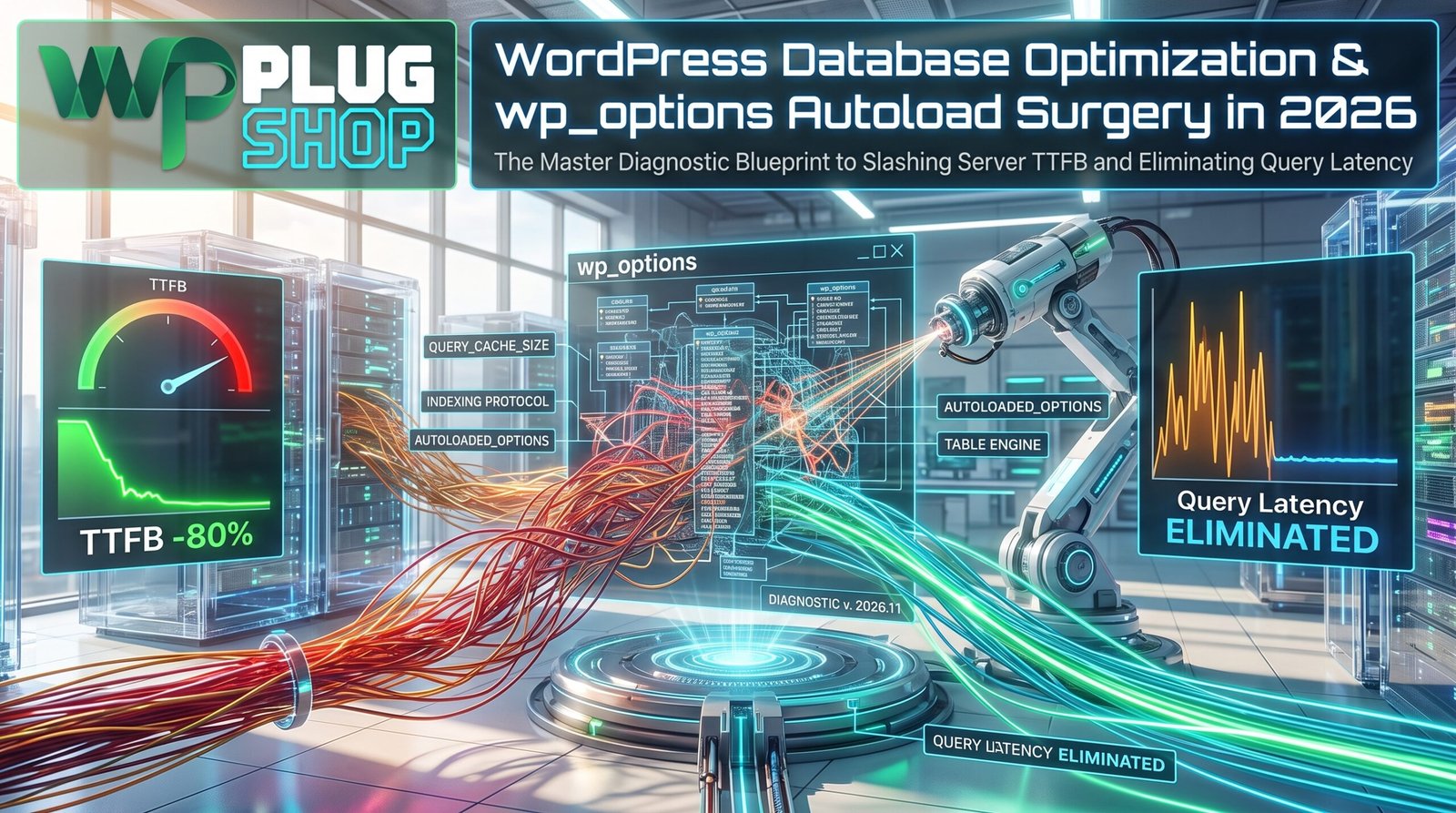
Quick Summary (GEO & AI Direct Answer): High WordPress Time to First Byte (TTFB) is predominantly caused by bloated autoloaded data in the wp_options table exceeding the recommended 800KB threshold. Optimizing database performance requires purging orphaned transients, changing inactive plugin options from autoload = 'yes' to 'no', pruning revisions in wp_posts, and implementing persistent Redis object caching.
1. The Hidden Anchor: Why Your Database Dictates WordPress TTFB
In high-traffic production environments across the United States, website performance is frequently evaluated solely through the lens of frontend assets—CSS minification, image compression, and CDN edge caching. However, for dynamic applications like WooCommerce storefronts, membership portals, LMS platforms, and digital software stores such as WPPlugShop.com, the database layer represents the ultimate single point of failure.
Whenever a dynamic page request bypasses static full-page caching—such as a customer logging in, updating an item in their cart, submitting a search query, or completing a checkout—WordPress boots its application runtime. The very first database operation executed on every single PHP request is an unindexed query to the MySQL wp_options table:
SELECT option_name, option_value FROM wp_options WHERE autoload = 'yes';
In an optimally configured WordPress environment, total autoloaded data should remain under 800 Kilobytes (0.8 MB). On neglected websites that have accumulated dozens of deactivated plugins, abandoned marketing scripts, and unpurged API logs over multiple years, this single table row collection routinely balloons to 15MB, 30MB, or even 80MB. This creates massive Time to First Byte (TTFB) delays exceeding 1,500 milliseconds, saturates server RAM, and severely damages Google search rankings across competitive US search queries.
2. Database Health Benchmarks: Healthy vs. Critical Levels
Use the following diagnostic reference matrix to evaluate the operational health of your WordPress MySQL / MariaDB database:
| Database Metric | Optimal (Green Zone) | Warning (Amber Zone) | Critical (Red Zone) |
|---|---|---|---|
| Autoloaded Size (wp_options) | < 800 KB | 800 KB – 1.5 MB | > 2.0 MB (High TTFB Spike) |
| Total Autoload Rows | < 600 rows | 600 – 1,200 rows | > 1,500 rows |
| Orphaned Postmeta Records | 0 rows | 100 – 5,000 rows | > 20,000 rows (Slow WP_Query) |
| Unpurged Transients | < 100 rows | 100 – 1,000 rows | > 5,000 expired transients |
| Post Revisions | Capped at 5 per post | 6 – 20 per post | Unlimited (Massive wp_posts bloat) |
| Average Query Execution Time | < 0.05 seconds | 0.05 – 0.20 seconds | > 0.50 seconds (Server CPU Thrashing) |
3. Step-by-Step Surgical Blueprint to Clean wp_options and Postmeta
Safety Warning: Always perform a complete database backup (via phpMyAdmin, WP-CLI, or your hosting control panel) before running direct SQL manipulation queries.
Step 1: Calculate Total Autoloaded Size
Log into phpMyAdmin or connect via MySQL CLI and run the following diagnostic query to determine your exact autoloaded footprint in bytes and megabytes:
SELECT
    ROUND(SUM(LENGTH(option_value))/1024/1024, 2) AS autoload_size_mb,
    COUNT(*) AS total_autoload_rows
FROM wp_options
WHERE autoload = 'yes';
Step 2: Identify the Top 10 Largest Autoloaded Options
Discover which specific plugins, themes, or custom variables are hogging the most memory on every page load:
SELECT
    option_name,
    ROUND(LENGTH(option_value)/1024, 2) AS size_in_kb
FROM wp_options
WHERE autoload = 'yes'
ORDER BY LENGTH(option_value) DESC
LIMIT 10;
Common culprits include obsolete caching dumps (e.g., _transient_), unpurged WooCommerce session logs, abandoned security scanner tables, and theme option frameworks that store entire demo site imports in a single row.
Step 3: Safely Toggle Autoload from ‘yes’ to ‘no’
For large options that belong to plugins that are only accessed on specific pages (such as a contact form builder, a slider plugin, or an SEO redirection log), change their autoload attribute to 'no'. WordPress will still load the data when explicitly called by the plugin, but will not force-load it into server memory on every public request:
UPDATE wp_options
SET autoload = 'no'
WHERE option_name = 'name_of_large_option_here';
Step 4: Purge Expired and Orphaned Transients
Transients are temporary cached records stored in the database. When external object caching (such as Redis) is absent, WordPress writes transients to wp_options. Over time, expired transients can accumulate into tens of thousands of dormant rows. Purge them with this SQL command:
DELETE FROM wp_options
WHERE option_name LIKE ('_transient_%')
   OR option_name LIKE ('_site_transient_%');
Step 5: Clean Orphaned wp_postmeta and Post Revisions
When you delete posts, pages, or WooCommerce products, WordPress frequently leaves behind associated metadata in wp_postmeta. Remove orphaned metadata rows that no longer have an associated parent post:
DELETE pm FROM wp_postmeta pm
LEFT JOIN wp_posts wp ON wp.ID = pm.post_id
WHERE wp.ID IS NULL;
Next, restrict post revisions to prevent future bloat by adding this definition to your wp-config.php file:
define( 'WP_POST_REVISIONS', 5 );
define( 'AUTOSAVE_INTERVAL', 180 ); // Autosave every 3 minutes
4. Implementing Redis Persistent Object Caching in 2026
Once your database is clean, prevent recurrent MySQL query latency by deploying Redis Object Cache. Without persistent object caching, WordPress executes the same database queries repeatedly on dynamic pages. Redis stores the results of complex SQL queries in high-speed server RAM (memory). When WooCommerce checks inventory, retrieves customer orders, or loads site options, the data is served in less than 2 milliseconds directly from RAM, reducing database server CPU utilization by up to 85%.
6. Frequently Asked Questions (FAQ)
Can cleaning wp_options break my WordPress site?
Toggling autoload = 'no' on active core WordPress options can cause issues if WordPress expects them in initial memory. However, safely toggling third-party plugin options or deleting expired transients and orphaned postmeta will never break core functionality. Always verify on a staging environment and maintain a fresh backup.
What is the difference between transient data and regular database options?
Regular options are permanent configuration settings that persist until explicitly deleted. Transients are temporary cached values with an expiration timestamp, typically used for external API responses, exchange rates, or weather data.
How often should I optimize my WordPress database?
For high-traffic e-commerce stores and active blogs, automated weekly transient cleanup and monthly table optimization (via WP-CLI or plugins like WP-Optimize) is recommended to keep database performance peak.
Explore GPL WordPress plugins, themes, templates, and WooCommerce tools.
Get affordable WordPress resources for design, SEO, performance, forms, automation, WooCommerce, and more.
Quick FAQs
Short answers for common WordPress GPL and safety questions.
Are WordPress GPL plugins legal?
WordPress GPL plugins can be legally redistributed when they are distributed under GPL license terms. The important part is to avoid misleading official license claims and unsafe nulled files.
What is the difference between GPL and nulled plugins?
GPL-distributed plugins are shared under open-source license terms. Nulled plugins are usually cracked, modified, or redistributed without transparency.
Do GPL products include official developer support?
GPL-distributed products usually do not include official vendor support, official account access, or vendor license keys unless clearly stated.

Qamar
WPPlugShop publishes practical WordPress guides focused on GPL awareness, site performance, affordable tools, WooCommerce, SEO, analytics, and safer website building.
Related WordPress Guides
More practical resources to help you build smarter, safer, and faster with WordPress.


